EasyManua.ls Logo

SBM SB-2000 - Page 49

SBM SB-2000
121 pages
Print Icon
To Next Page IconTo Next Page
To Previous Page IconTo Previous Page
Loading...
Currency Discrimination Fitness Sorter SB - 2000 Service Manual
48
DISTRIBUTION - SOIL
SET : NUM KEY APPLY : DISP
[ FIT 1 ] USE FITNESS KEY
[ R 10 ] USE MODE KEY
[ 3 ] DSP DISTANCE : ▼▲
100 : 0 115 : 11
103 : 2 118 : 8
106 : 5 121 : 2
109 : 9 124 : 1
112 : 12 127 : 0
DISTRIBUTION - SOIL
SET : NUM KEY APPLY : DISP
[ FIT 1 ] USE FITNESS KEY
[ R 10 ] USE MODE KEY
[ 3 ] DSP DISTANCE : ▼▲
100 : 0 115 : 11
103 : 2 118 : 8
106 : 5 121 : 2
109 : 9 124 : 1
112 : 12 127 : 0
DISTRIBUTION - SOIL
SET : NUM KEY APPLY : DISP
[ FIT 1 ] USE FITNESS KEY
[ R 10 ] USE MODE KEY
[ 3 ] DSP DISTANCE : ▼▲
100 : 0 115 : 11
103 : 2 118 : 8
106 : 5 121 : 2
109 : 9 124 : 1
112 : 12 127 : 0
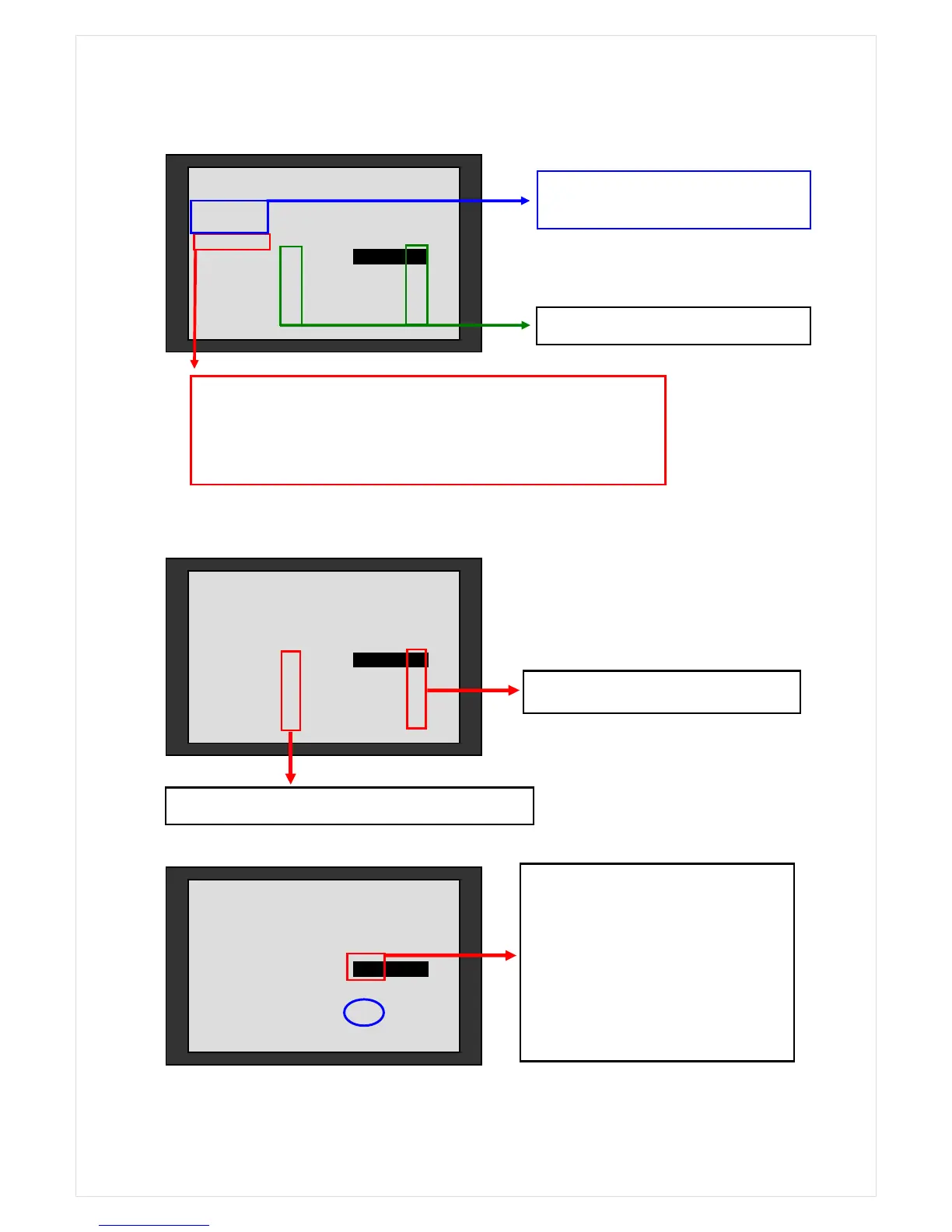
The 22 notes of 50 in the FIT range
The other 28 notes of 50 in the UNFIT range.
‘3’ is distance of each soil level.
It can adjust the distance between the levels by pressing ▼, ▲ keys.
Pressing ▼, keys causes to adjust automatically the number of
note at the each level whose level is between 0 and 255
If user wants to adjust the soil level in
order to process all of 50 notes as
UNFIT ones, FIND the highest number
of in the FIT range.
In this case, it is the 124.. ENTER a
number bigger than 124 in the
reversed rectangle.
* Select ‘FIT 1’
* And select RUB 10
*Numbers of notes on each Soil Level.


Related product manuals