Currency Discrimination Fitness Sorter SB - 2000 Service Manual
49
SET : NUM KEY APPLY : DISP
[ FIT 1 ] USE FITNESS KEY
[ R 10 ] USE MODE KEY
[ 3 ] DSP DISTANCE : ▼▲
111 : 28 126 : 0
114 : 11 129 : 0
117 : 8 132 : 0
120 : 2 135 : 0
123 : 1 138 : 0
By pressing the ‘DISPAY’ key adjusted soil levels are applied. Return to the initial display by
pressing the ‘CLEAR’ key.
OTHERS
This mode shows at eye the distribution of fitness levels of a processed notes-bundle by each
item of 7 fitness ones except Soil. Different from the SOIL mode, at OTHERS, the fitness levels
cannot be adjustable.
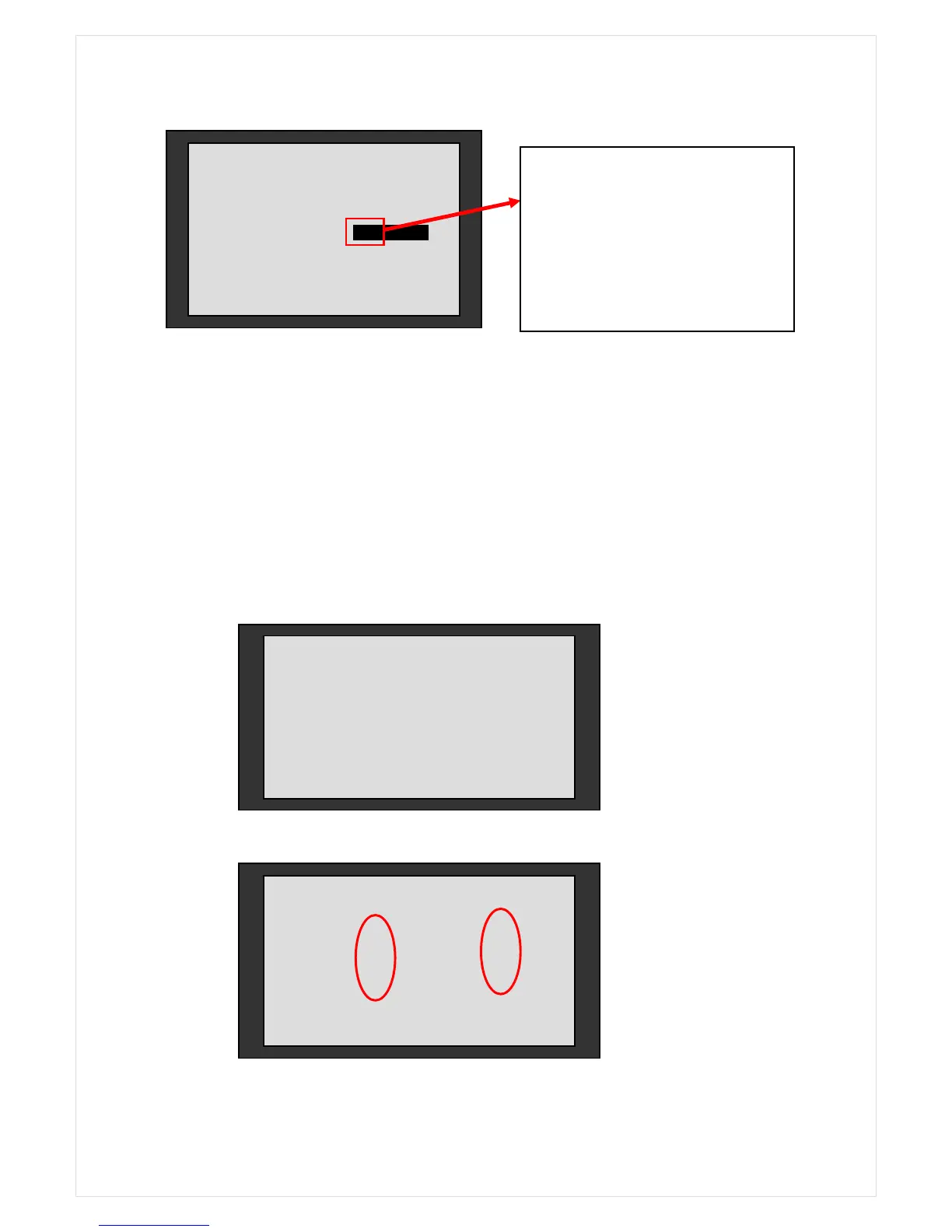
The display after placing a note on the hopper
On above 2
nd
figure, the red circle means ‘FITNESS level’ for each items.
3.OIL-STAINS: 8 4.CORNER: 9
PLACE SAMPLE ON HOPPER
If ‘126’ is entered, initially processed
50 notes are automatically distributed
to the levels in the UNTIF range. It
means that all of 50 notes will be
processed as UNFIT ones.



 To Next Page