Currency Discrimination Fitness Sorter SB - 2000 Service Manual
75
STEP 5 Upgrading the Main & Image S/W.
* Two ways to upgrade the Main and Image S/W.
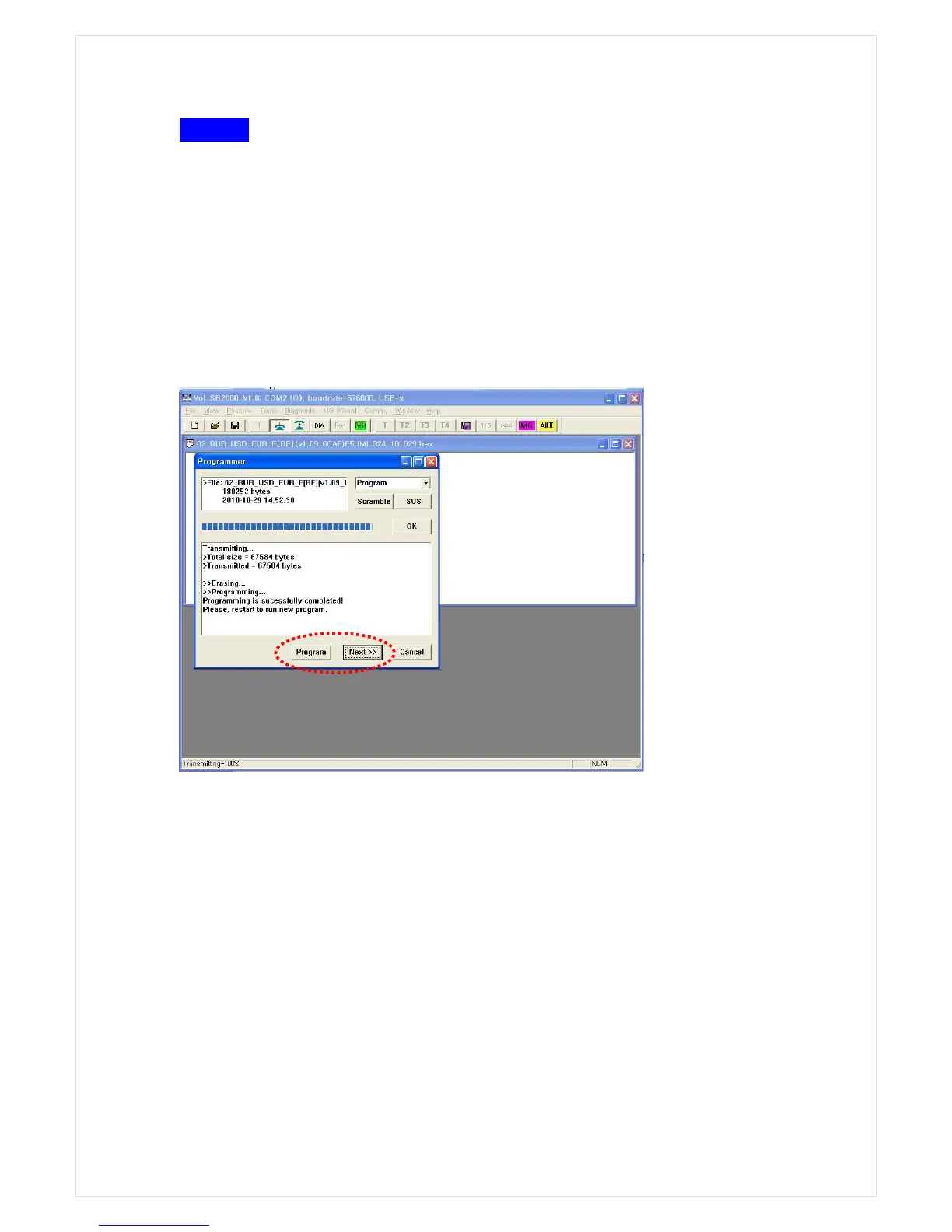
1) Upgrading by using vol_SB2000_V1.0
Select SBM MAIN HEX in DownMode like the process in Step 3. After selecting *.hex file in
Main folder, click Program Next. Then, the program is being written. The machine will be
automatically turned off and on taking around 40 seconds until upgrading is finished. Pay
more attention that Do not power off the machine And Be patient until the machine is
automatically turned off on reboot.
Close all pop-up windows and select SBM IMAGE in Downmode. After that, select *.swm file in
Image Folder and write this file in the same way as above. If this work is done, turn off and on
the machine to finish upgrade of image software.
●
SOS MODE
If the upgrading the main software is failed, so if nothing is displayed on LCD, OR if the
upgrading the image software is failed, so if ‘Image M not working’ is displayed, follow the
below steps.
① Main board upgrade: Pressing “S1” switch in Pic.1 as below and turn on the machine.
Upgrade by using FLIP program of ATMEL in the same way as in SB-1100.
② Image board upgrade: Pressing “S1” switch in Pic.2 and turn on the machine. Upgrade
with SOS mode in the same way as at SB-1100.



 To Next Page