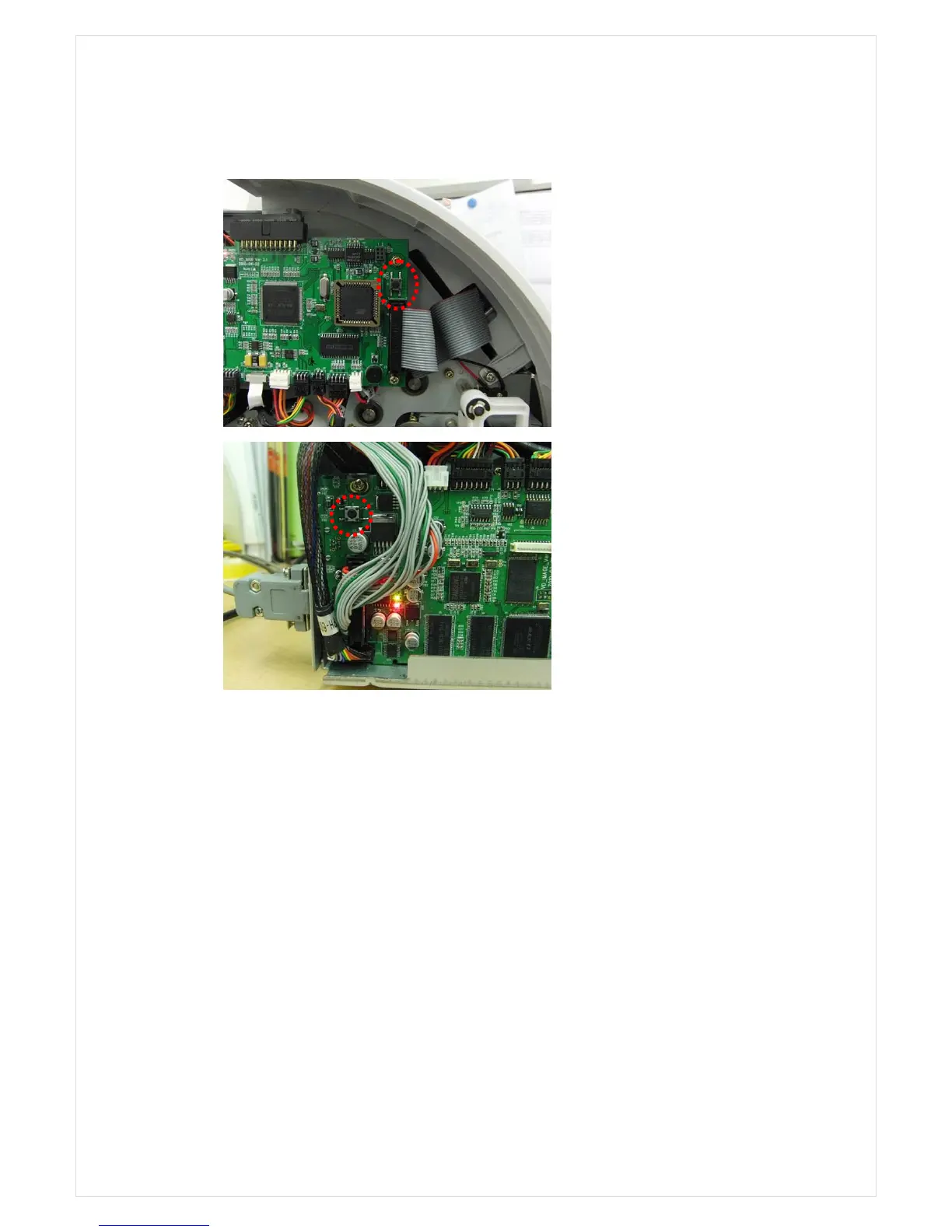
③ In case Boot in flash memory is damaged, it is impossible to upgrade even in SOS mode,
therefore, please be careful.
2) Upgrade by using USB memory stick
① Save *.swp file in USB-File Folder to Root folder in USB memory stick.
② Press “MENU 0 1(USB DOWN LIST)”, then, the machine will be USB memory mode
as Pic 1.
③ If USB memory stick is not properly inserted or if USB memory stick which is not
compatible with the machine is used, USB:ERROR will happen. In this case, remove and
insert USB memory stick again or use different USB memory stick.
④ If there is no problem with the connection with USB memory stick, LCD will be displayed as
△▽
Pic 3. Select the file for upgrade by using key and press “START” key to upgrade the
machine.
⑤ At this time, the message “Please Wait 40 seconds…” will be displayed as Pic 4. and the
machine will be automatically turned off and on after upgrade is finished.
⑥ Do not turn off the machine and wait until the machine is automatically turned off.
Pic 1. Main B’d
Pic 2. Image B’d



 To Next Page