Schaeer Technologies
45
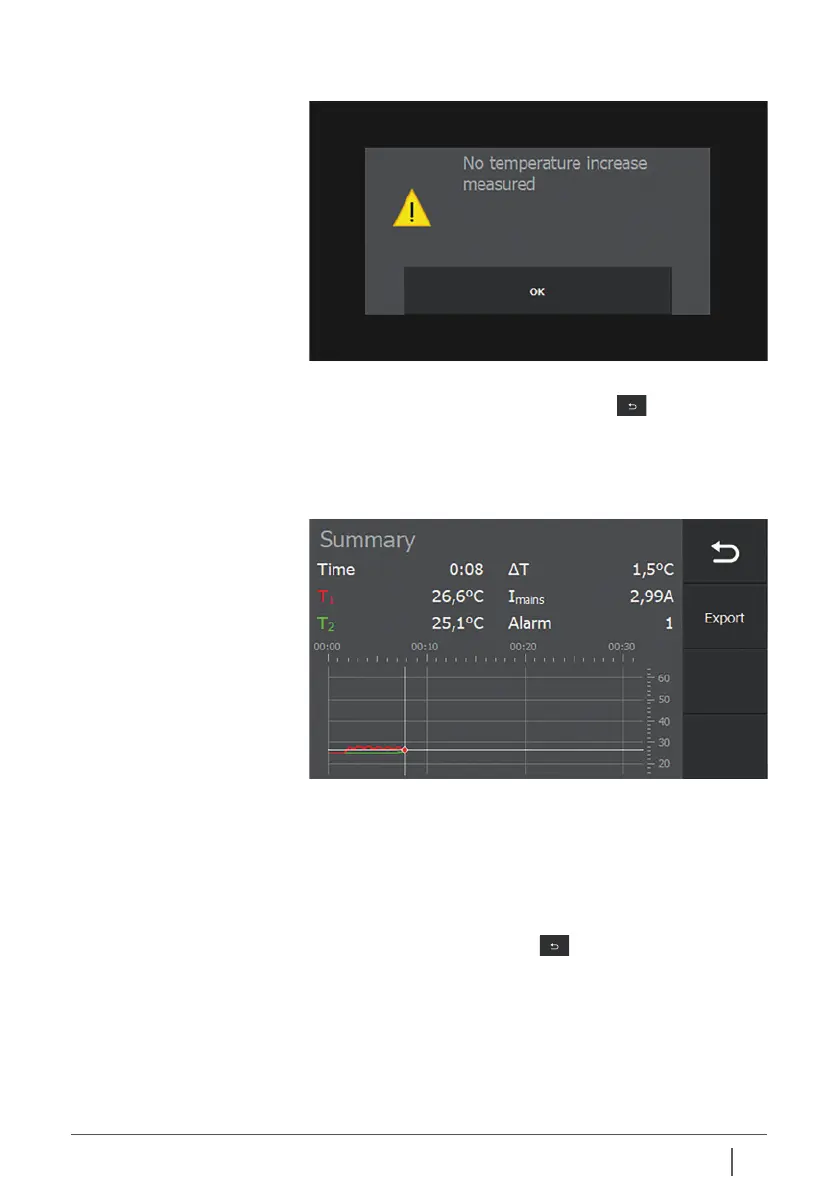
Press “OK” to return to the previous overview screen.
To leave the Alarm screen, tap “Previous” .
The type of alarm is now displayed. For example:
10.4 Last crash The last crash log shows – as far as possible – the heating
data from shortly before the generator crashed/failed.
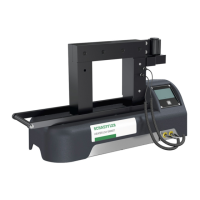
In the overview, tap “Last crash”.
The data from shortly before the crash is displayed.
If a USB data carrier is connected, the heating data can now
be exported. To do so, press “Export”. When the file has been
exported successfully, this will appear on the screen.
Tap “OK”, the message disappears from the screen.
Press “Back / Previous screen” once more to return to the
previous screen.


 To Next Page