Schaeer Technologies
37
■ Heating runs until the set temperature is reached or until the
set time has elapsed, whichever comes first. The workpiece
is then demagnetized automatically and a loud, continuous
beep sounds. Press “STOP” to switch o the beep.
9.5 Heating in temperature
& speed mode
■ Position the workpiece and any sensors (according to
chapters 7 & 8.)
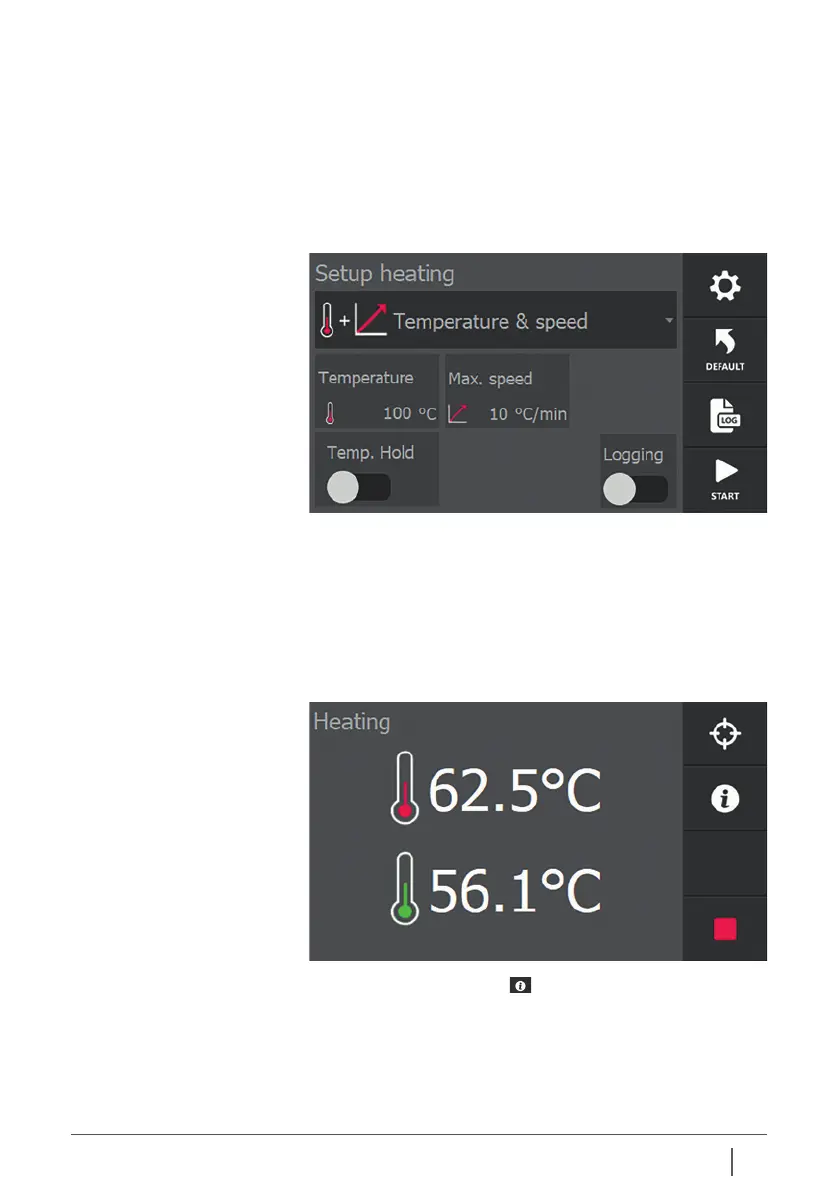
■ Switch on the heater and select the temperature & speed
mode if necessary.
■ If necessary, change the temperature and gradient set by
pressing the current values.
■ Press “START”. The heating starts, you will hear a slight
humming sound.
■ The display shows the current temperature of
the workpiece.
■ If a second sensor is attached to the workpiece, this
temperature also appears on the display.
By pressing the info button , the heating process is
displayed graphically.
The white dotted line indicates the gradient at which the
process is set. Pressing info again displays additional
information from the process.


 To Next Page