16 Schaeer Technologies
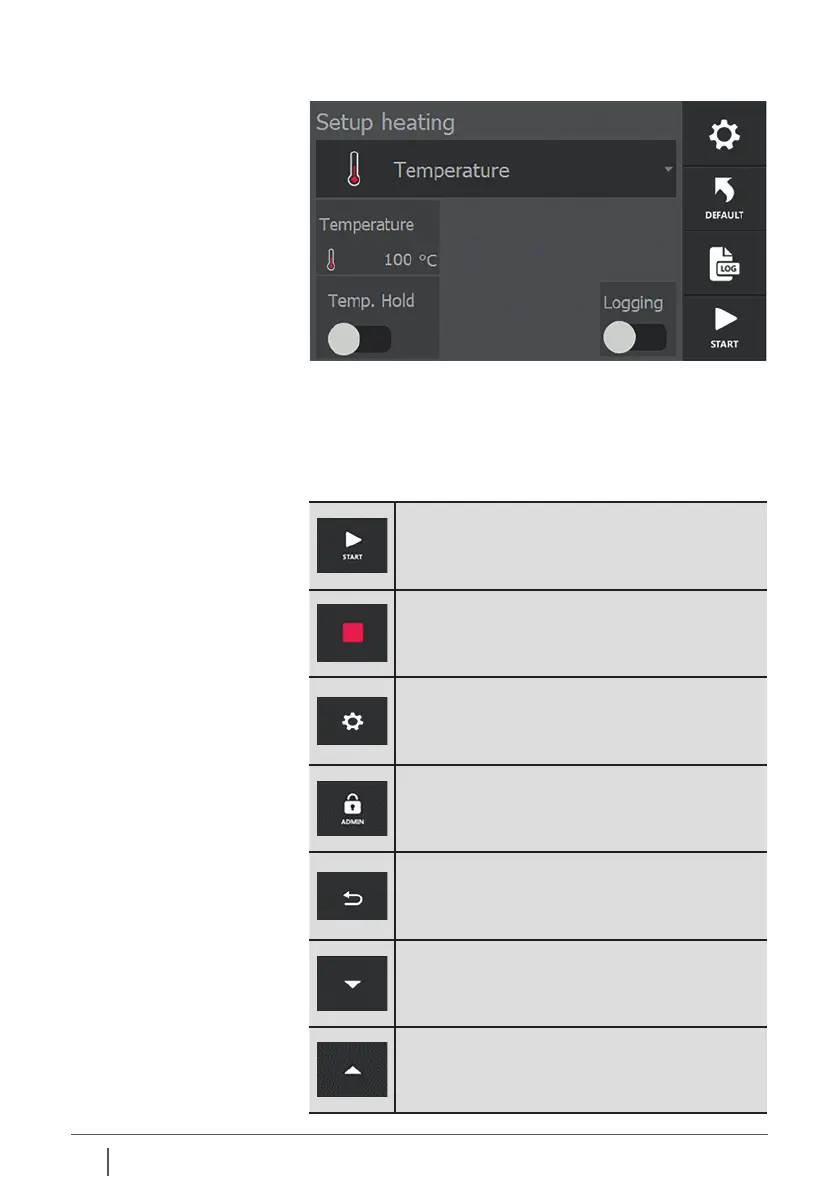
Dierent pages are displayed on the screen with i.a. dierent
buttons, setting possibilities and operating modes.
The most frequently used buttons and how variables can be
set are explained below.
Start heating process.
Stop heating process.
To settings menu.
To administrator (factory) settings.
Not accessible to the end user.
Back / previous screen.
To next page.
To previous page.
5.1 Explanation of
touchscreen operating
elements
The operating panel consists of a touchscreen.


 To Next Page