Page 29
4. Inputting letters:
Press and hold
to quickly scroll to the required letter and either press it
for 3 seconds or press
to confirm the selected letter.
5. Inputting numbers:
Press and hold
to quickly scroll to the required number and either press it
for 3 seconds or press
to confirm the selected number.
6. Moving forward/back:
Press
to switch to another input level. Press or to move forward or
back.
7. Confirm your entry by pressing
.
» The data you entered has been saved.
6.4 Viewing individual readings
To do so: You must have saved a reading (e.g. 1 log).
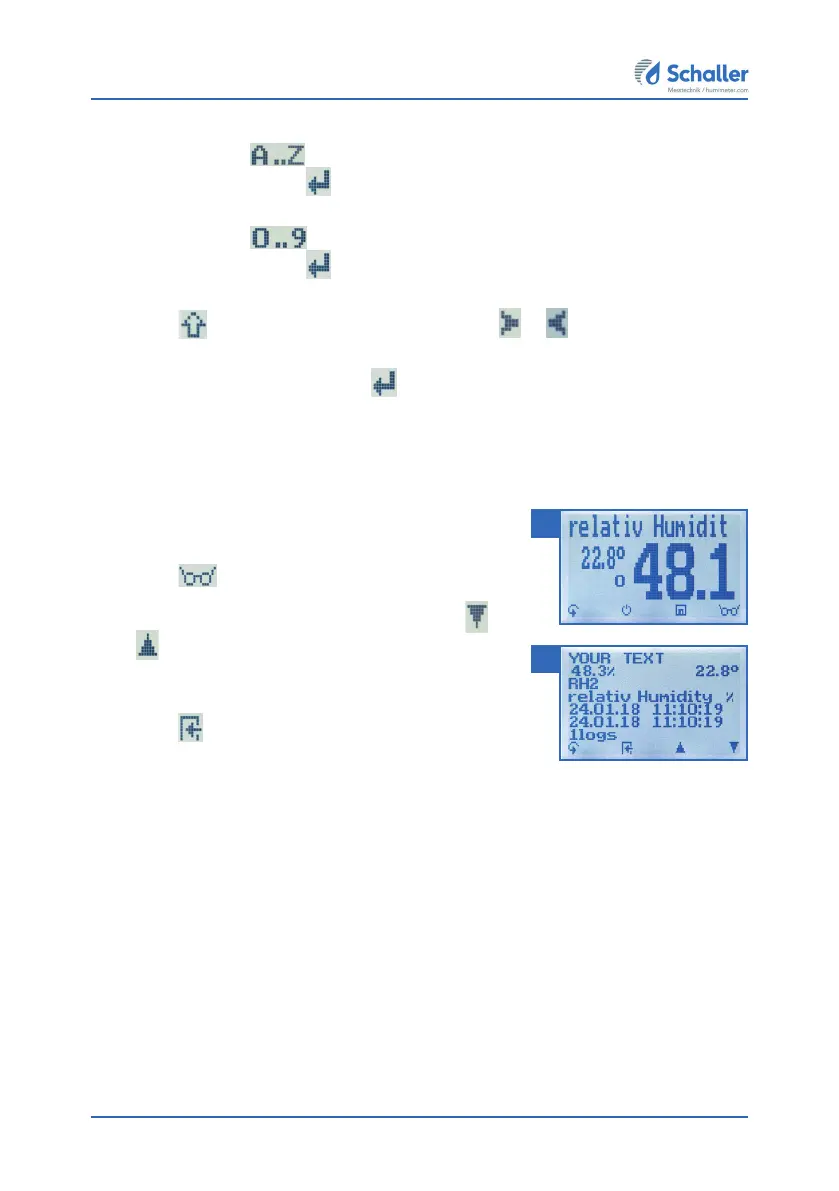
The display will now appear as shown in figure 29.
1. Press
.
2. Select the required reading. To do so, press
or
.
» The display will now appear as shown in figure 30
» Press
to leave this screen.
29
30



 To Next Page