humimeter RH2 Operating Manual
Page 36
8. Using the LogMemorizer program
To do so: The device is provided with USB interface, and the USB stick with LogMemo-
rizer software and USB cable are available.
8.1 Installing/opening the program
1. Insert the USB stick with the LogMemorizer program into the USB port on your
computer.
2. Open the setup application.
3. Follow the installation instructions.
4. Open LogMemorizer.
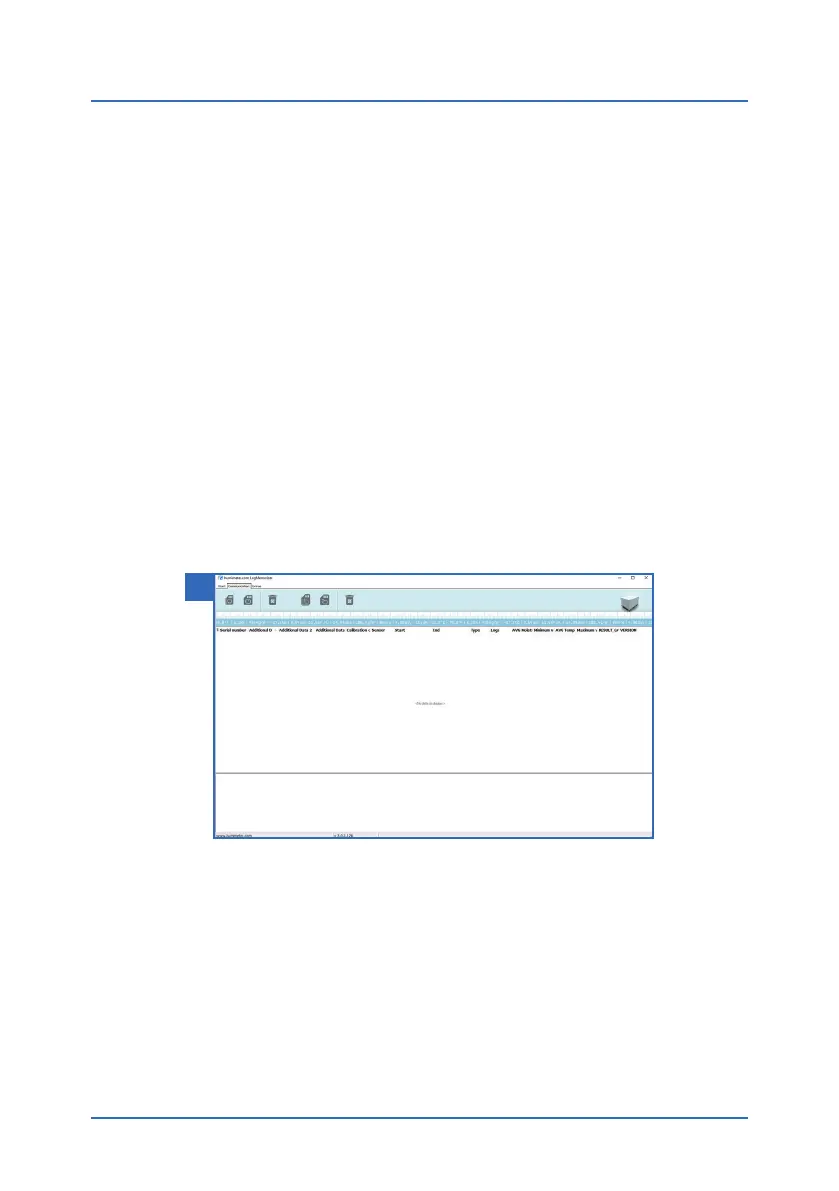
» The screen will now display the LogMemorizer’s interface (figure 48).
» Before using LogMemorizer, please refer to the the separate LogMemorizer
operating manual for the correct configuration of the USB COM Port.
For more information on LogMemorizer, please refer to the separate LogMemorizer
operating manual supplied with the device.
8.2 Exporting measured values to a computer
To do so: LogMemorizer must be installed. And you must have taken and saved one or
several moisture readings.
Options: You can export moisture readings from the humimeter RH2 or initiate the
export at your computer.
48



 To Next Page