Page 47
11. Cleaning and maintenance
Regularly cleaning and maintaining the device will ensure that it will have a long service
life and stay in good condition.
11.1 Changing the batteries
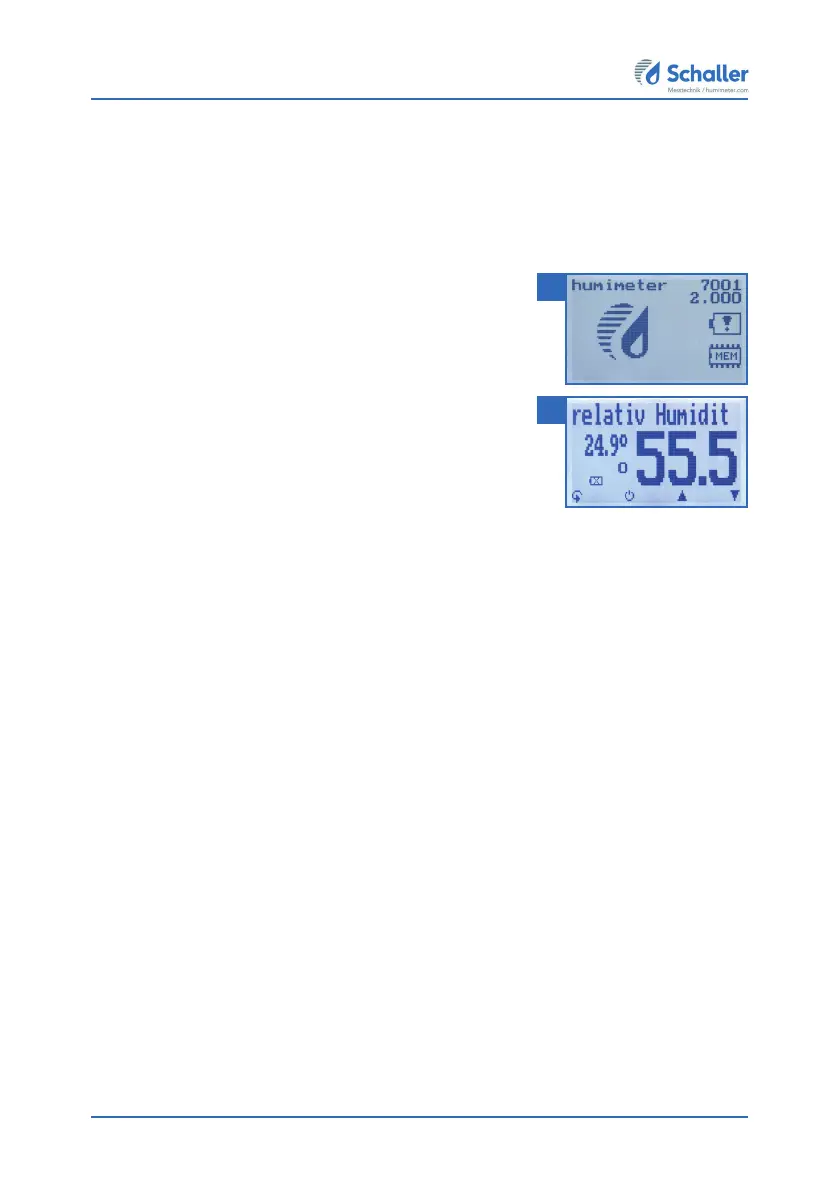
The device constantly monitors the charge level of the
batteries. The current battery status is shown on the
status screen.
If the battery´s charge is very low, the battery symbol will
be shown with an exclamation mark. In that case, the
batteries must be changed immediately (figure 63).
For changing the batteries, see section "3.3 Inserting
batteries".
As the device’s user, you are responsible by law for pro-
perly disposing of all used batteries, which must not be
disposed of as domestic waste (Battery Directive).
11.2 Care instructions
• Do not leave the device out in the rain. The device is not waterproof.
• Do not immerse the sensor in water.
• Do not expose the device to extreme temperatures.
• Protect the device from strong mechanical shocks and loads.
63
64



 To Next Page