Page 7
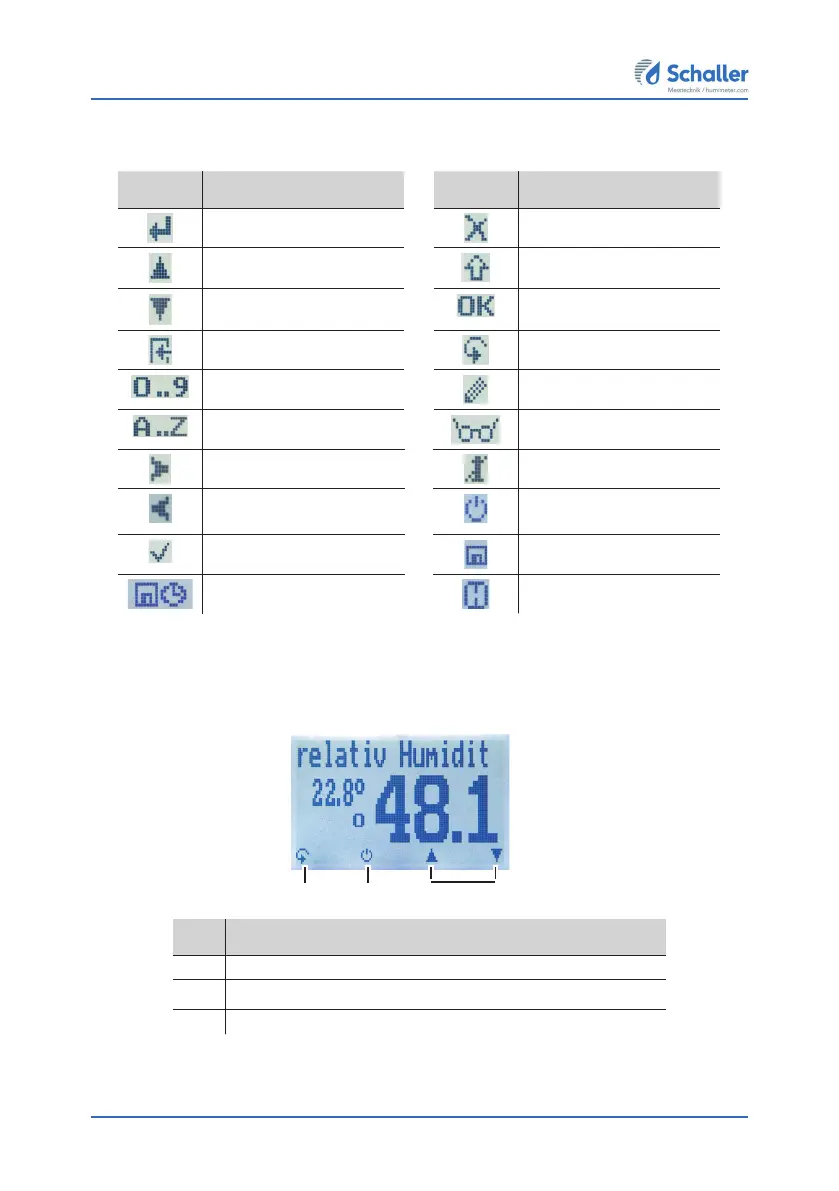
The display symbols
Symbol Name Symbol Name
Enter No
Up Change input level
Down OK
Back Change menu
Enter numbers Enter data
Enter letters View measurements
Continue / go right Delete measurements
Left On/off button, display
light
Yes Save measured value
Auto save Hold function
The menus
The device has three different menus: product selection, Data Log and main menu:
Product selection menu
No. Name
1 Change menu
2 Display illumination / device on/off
3 For changing the product type
21 3



 To Next Page