Page 39
9. Checking the device’s status
1. Press twice or hold for 2 seconds.
2. Select Status. To do so, press
or and confirm by pressing .
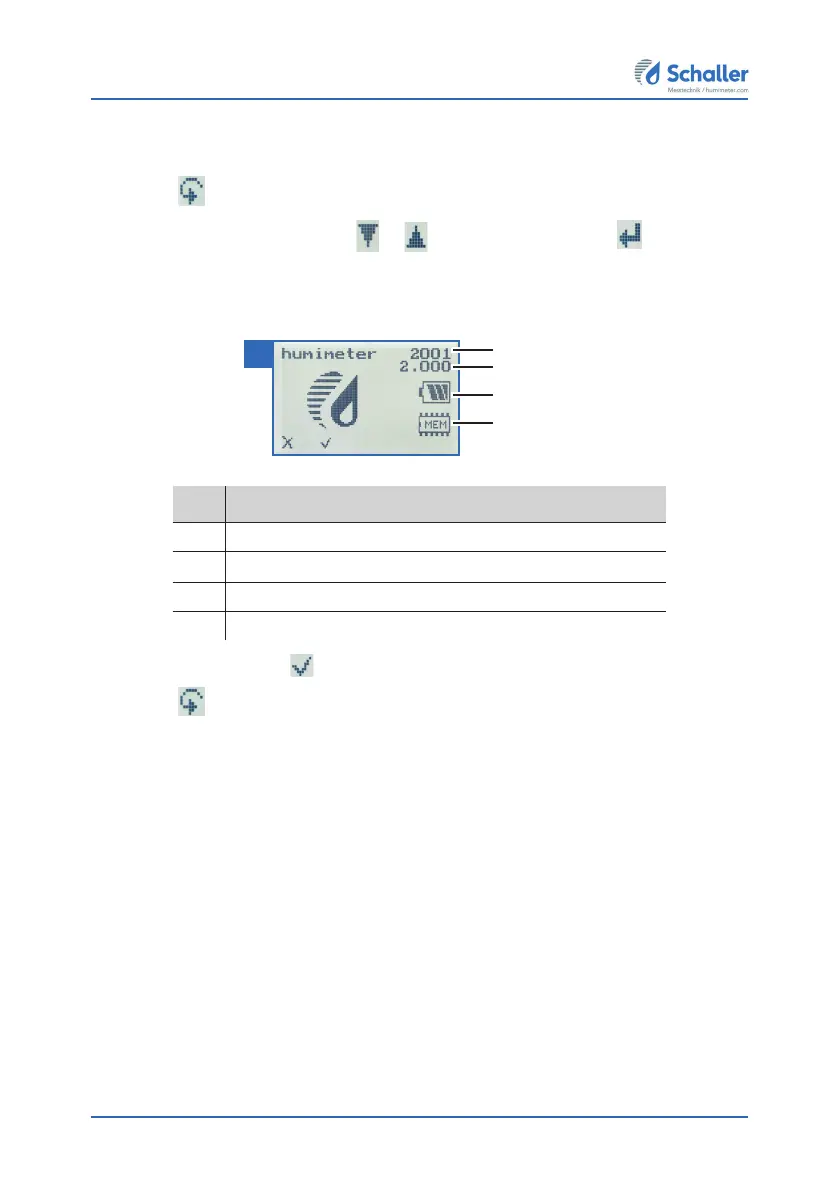
» The display will then show the status indicator humimeter.
» The display will show the following information (figure 56):
No. Name
1 Serial number
2 Software version
3 Battery status
4 Memory status
3. Confirm by pressing
.
4. Press
to leave the main menu.
1
2
3
4
56



 To Next Page