6 Turn on & turn off the SDT270
6.1 Turn on
To turn on the SDT270, press the Power button on the bottom right of the keypad. The status LED shines bright blue
and then seconds later you will see on the screen the message “System boot up”. If you do not see this display your
battery might be flat.
6.2 Turn off
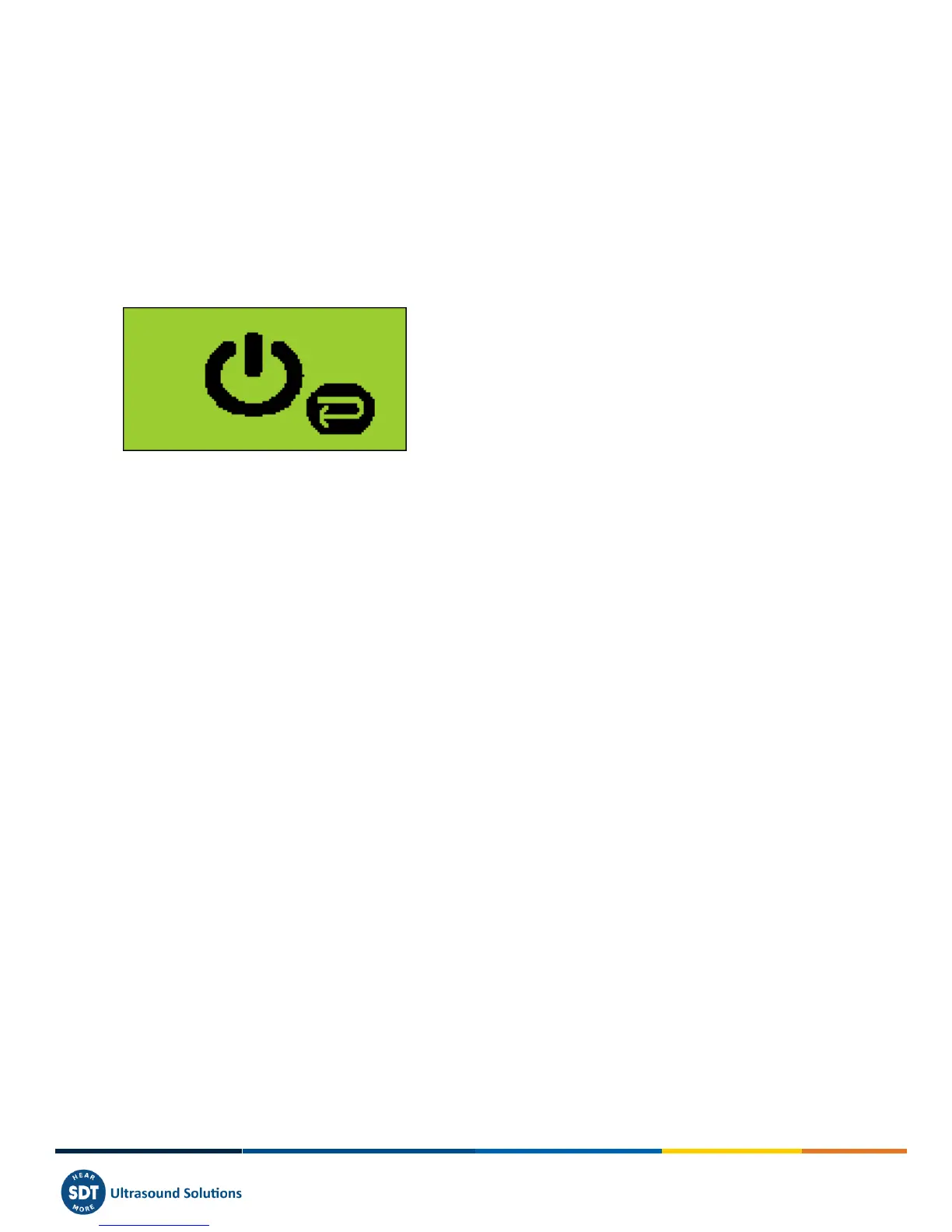
To turn off the SDT270, push the Power button on the bottom right of the keypad. You will see the following screen:
Press enter to shut down or another key to continue” on the screen. Press the Enter button to shut down the device.



 To Next Page