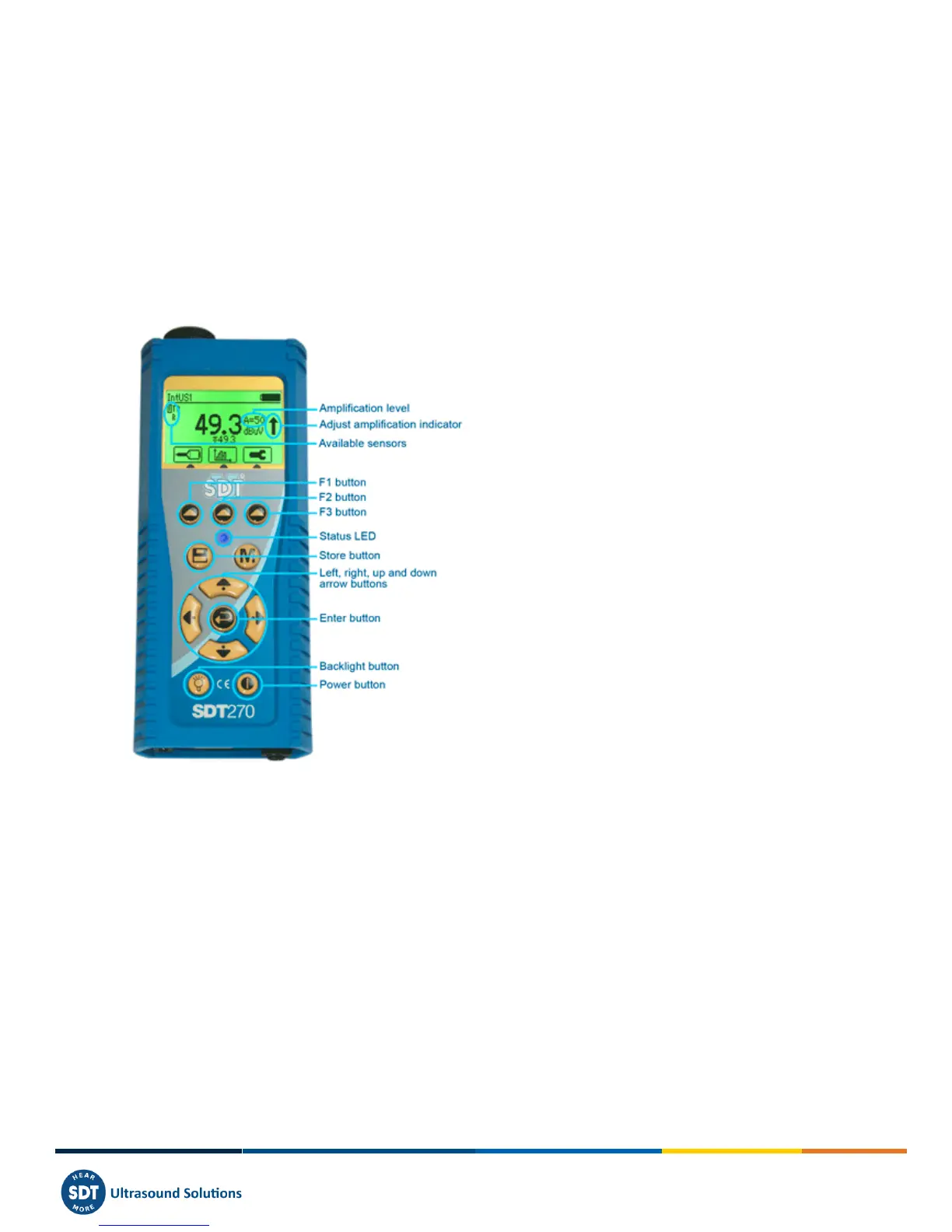
8 Keyboard functions when taking a
measurement
F1 to select a sensor.
F2 to select a measurement type
F3 to adjust the settings for the sensor in use.
Disc button to save measurements.
M button to start the measurement acquisition.
Up and down arrows to increase and decrease amplification (used for US sensors).
Left and right arrows to decrease and increase the audio volume of the headphones.
Enter to access to the menus.



 To Next Page