17 Installation and activation of Updater
software
17.1.1 Introduction
The SDT Updater application is a standalone program that installs updates and upgrades on your SDT200 or SDT270
device. If you do not have a licensed installation of UAS or DataDump, use SDT Updater application.
Installation_of_Updater_application
Activate_Updater_software
17.2 Installation of Updater application
17.2.1 Installation
17.2.1.1 Installation from USB stick
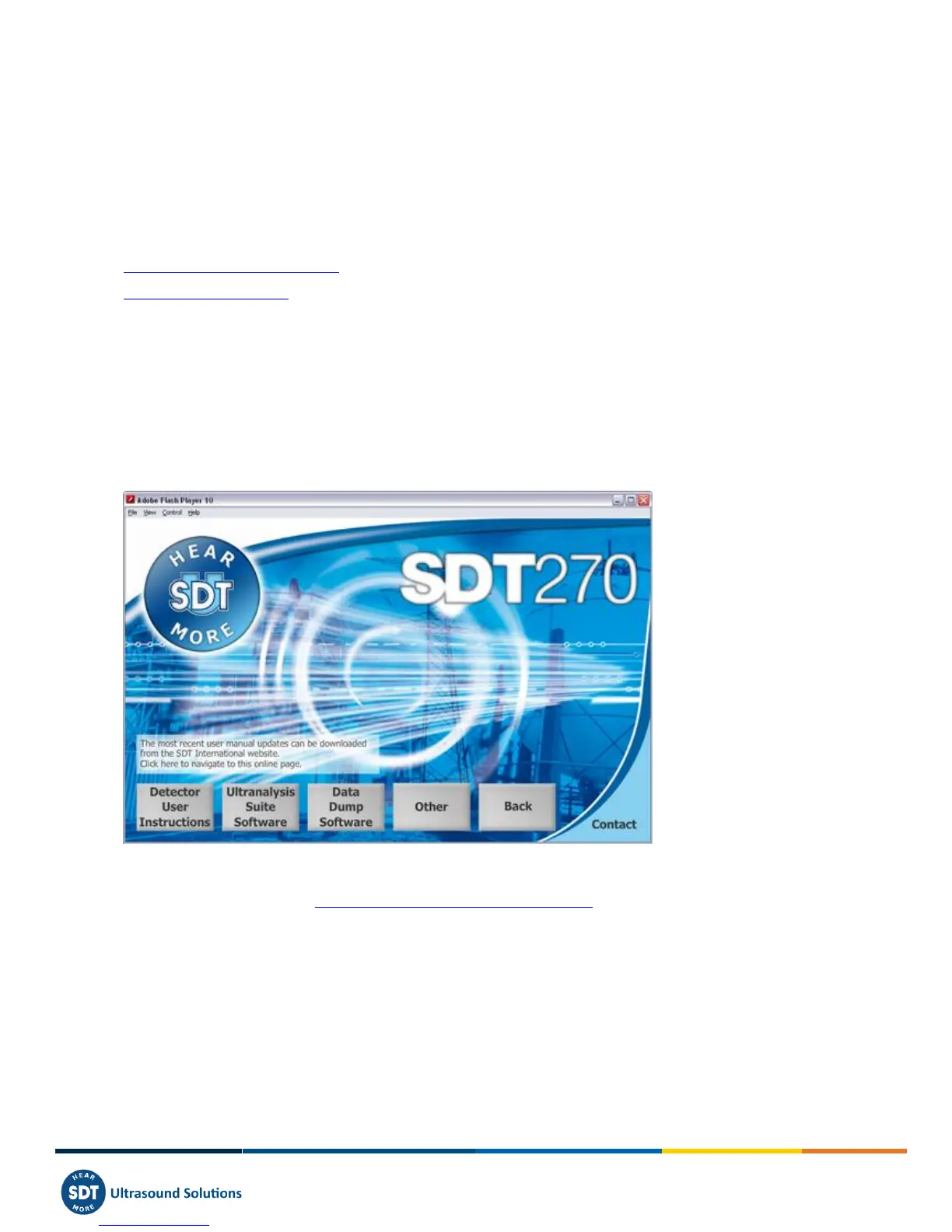
To install this software using the USB stick, run the USB stick delivered with your equipment. After choosing the SDT270
device type and the language, from the main page, select ''Other'' and then ''Install Updater Software''. To continue the
installation, please turn to the chapter ''Setup''.
17.2.1.2 Online installation
Visit SDT ftp site, at the address ftp://ftp.sdt.eu/pub/Software/SDT270Updater. Select the directory ''Latest version'',
download the file ''SDT270UpdaterSetup.msi'' and then run this file.
17.2.2 Setup
You should now see the following screen:



 To Next Page