Use the F1 button to save the settings as a preferred configuration
Use the F2 button to load your preferred configuration
Use the F3 button to use a one-shot configuration, without saving it.
10.3 Getting data
Press the M button.
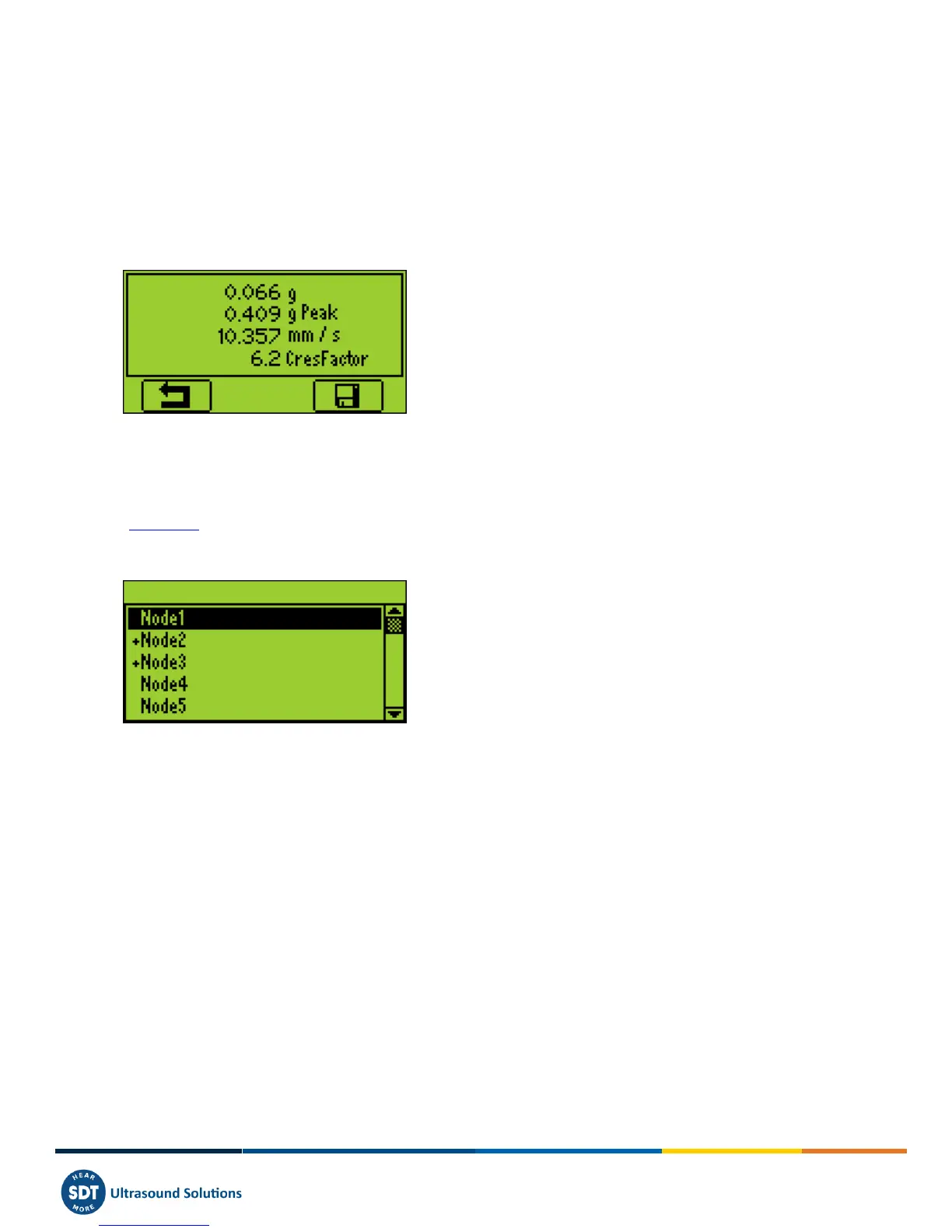
At the end of the computation time, a screen detailing acceleration and velocity RMS, acceleration Peak and Crest factor
values, is displayed.:
Press the F1 button to come back to the measurement screen without saving.
10.4 Saving Data
This feature is not available on the SDT270 SB version. To check your SDT270 version, please refer to the chapter
"System Info".
At the end of the computation time, press the Store button to save the data or F1 to come back to the measurement
screen without saving.
When saving, choose the desired memory location using the Up and Down arrow buttons and confirm by pressing the
Enter button.



 To Next Page