20 Switch between icon and text interfaces
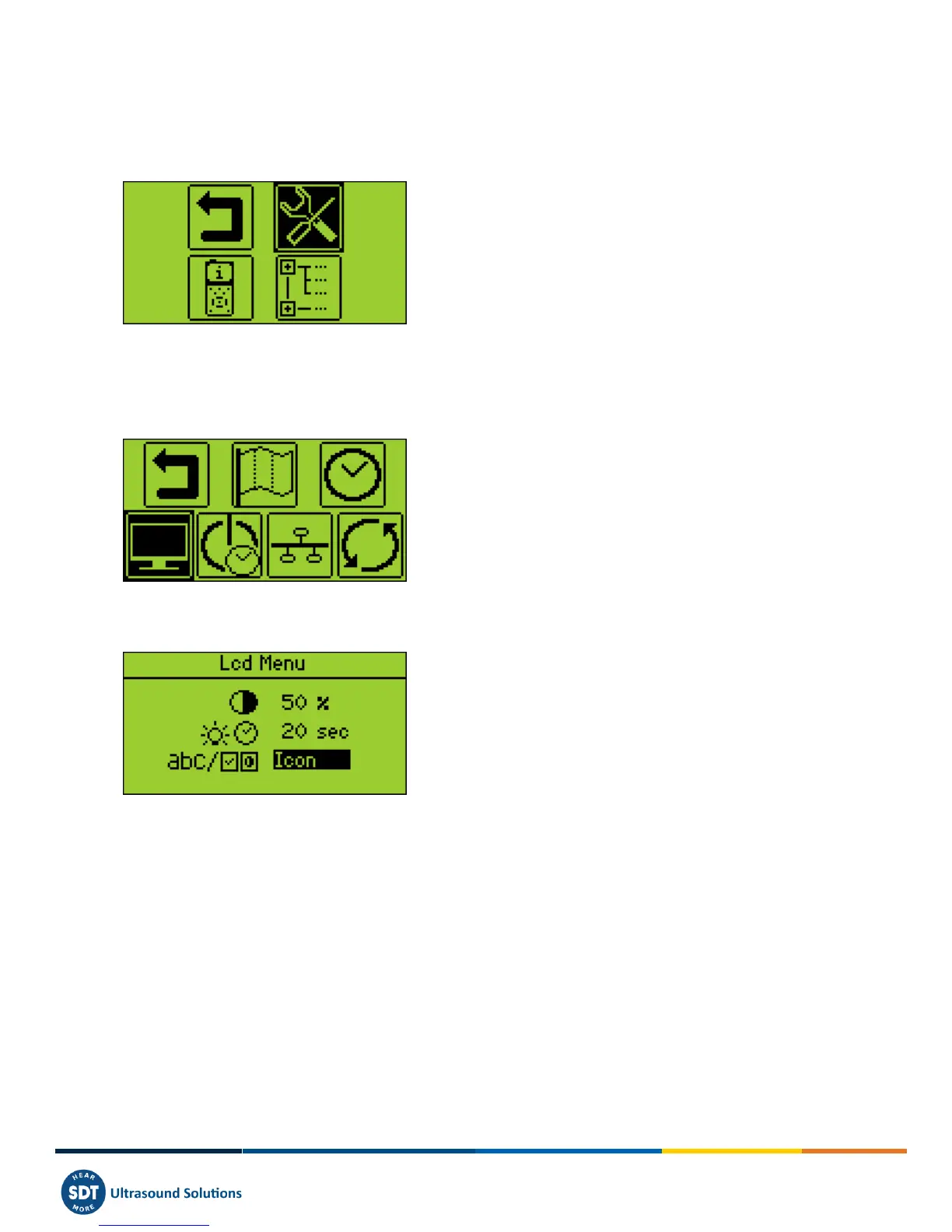
To access the Main menu from the measurement screen, press Enter.
Use the arrow buttons to highlight the Settings icon:
Press Enter to access the Settings menu.
Then highlight the LCD menu and press Enter:
Select the last field and switch between icon and text interfaces:



 To Next Page