MAN.270.EN--05--SDT270-user-manual-Eng.docx
Miscellaneous
24 SDT270 & SDT200 navigation icons list*
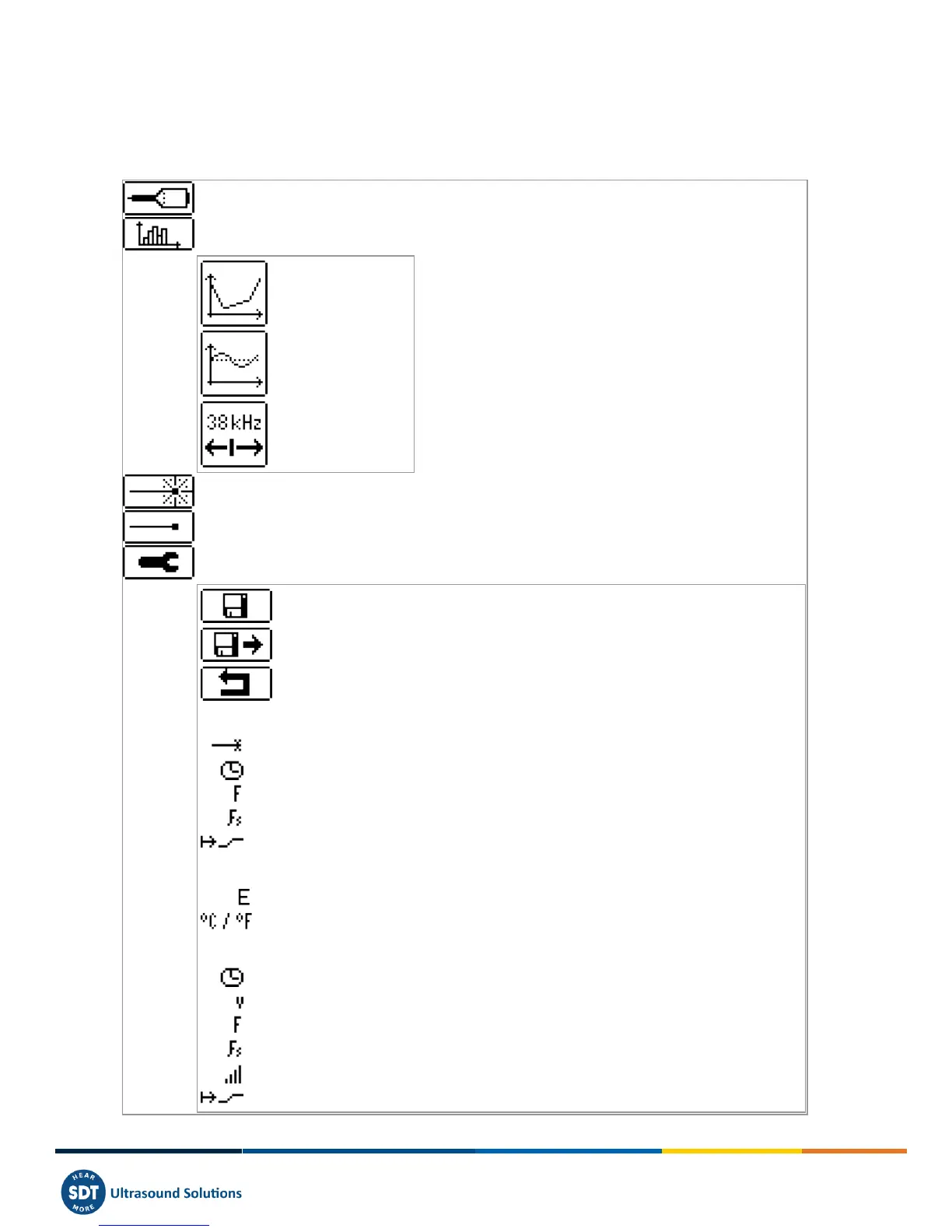
24.1 Measurement screen icons
Switch between sensors (internal and external sensors)
Open "Sensor settings menu"
Save the settings as a preferred configuration and go back to measurement screen
Load your preferred configuration and go back to measurement screen (undo all
changes)
Go back to measurement screen using modified settings
24.1.1.1 Ultrasonic sensor settings
24.1.1.2 Infrared temperature sensor settings
24.1.1.3 Vibration sensor settings
Accelerometer sensitivity



 To Next Page