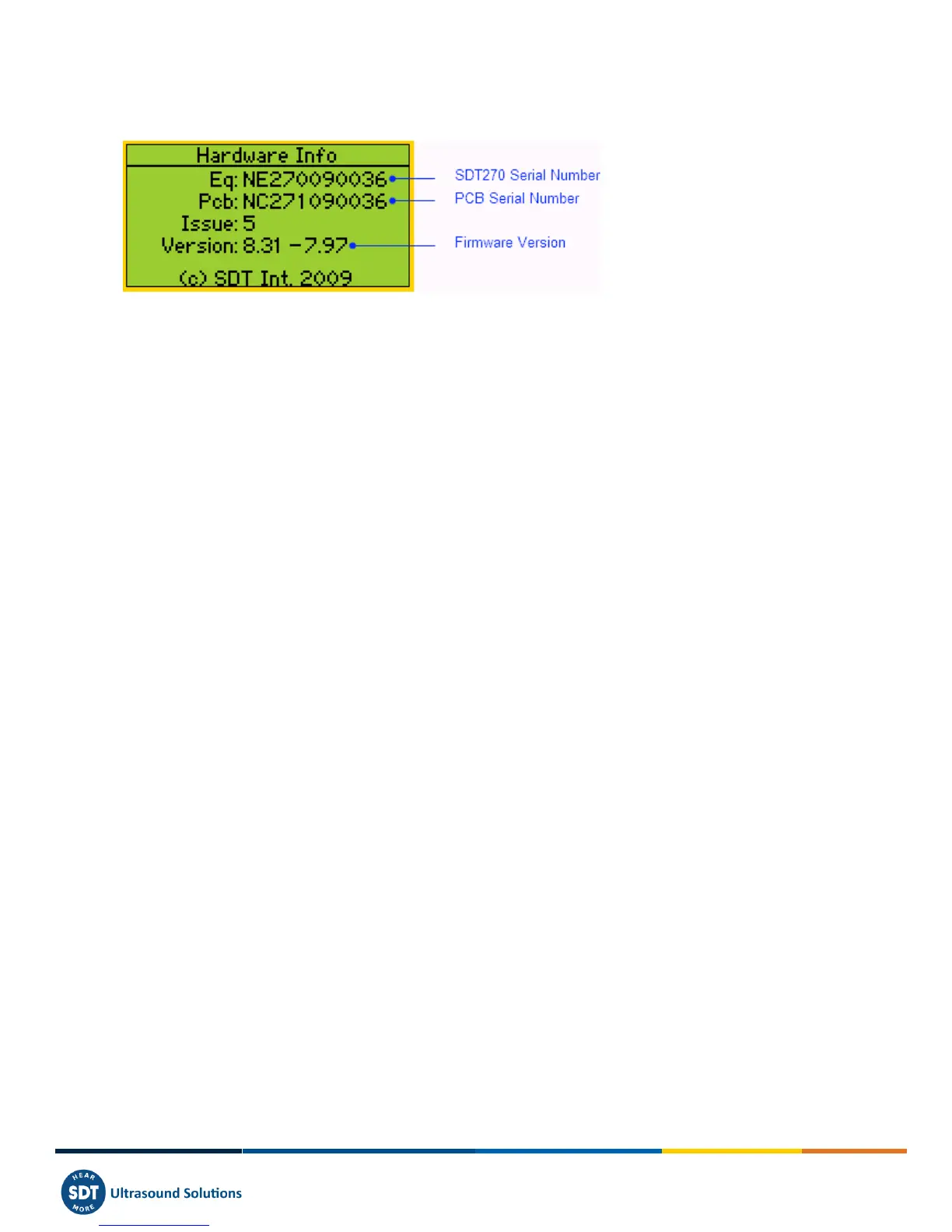
Press the Down Arrow, to access to the fourth screen which indicates:
o The SDT270 Serial Number.
o The PCB Serial Number.
o The SDT270 Firmware Version.
For SDT270 DU and SDT270SU, an additional screen provides the percentage of memory used for Static and Dynamics
Measurements.
Press two times F1 to return to the measurement screen.



 To Next Page