MAN.270.EN--05--SDT270-user-manual-Eng.docx
9 Taking an ultrasonic measurement
External Ultrasonic sensors must be connected to the black collar LEMO connector.
Select the desired ultrasonic sensor using F1 button, if necessary.
Set up amplification using Up and Down arrow buttons, till the up and down amplification adjustment indicators
disappear.
Set up the headphone volume using Left and Right arrows.
9.1 Measurement type: static or dynamic
This feature is available on the SDT270 DD and DU versions. To check your SDT270 version, please refer to the chapter
"System Info".
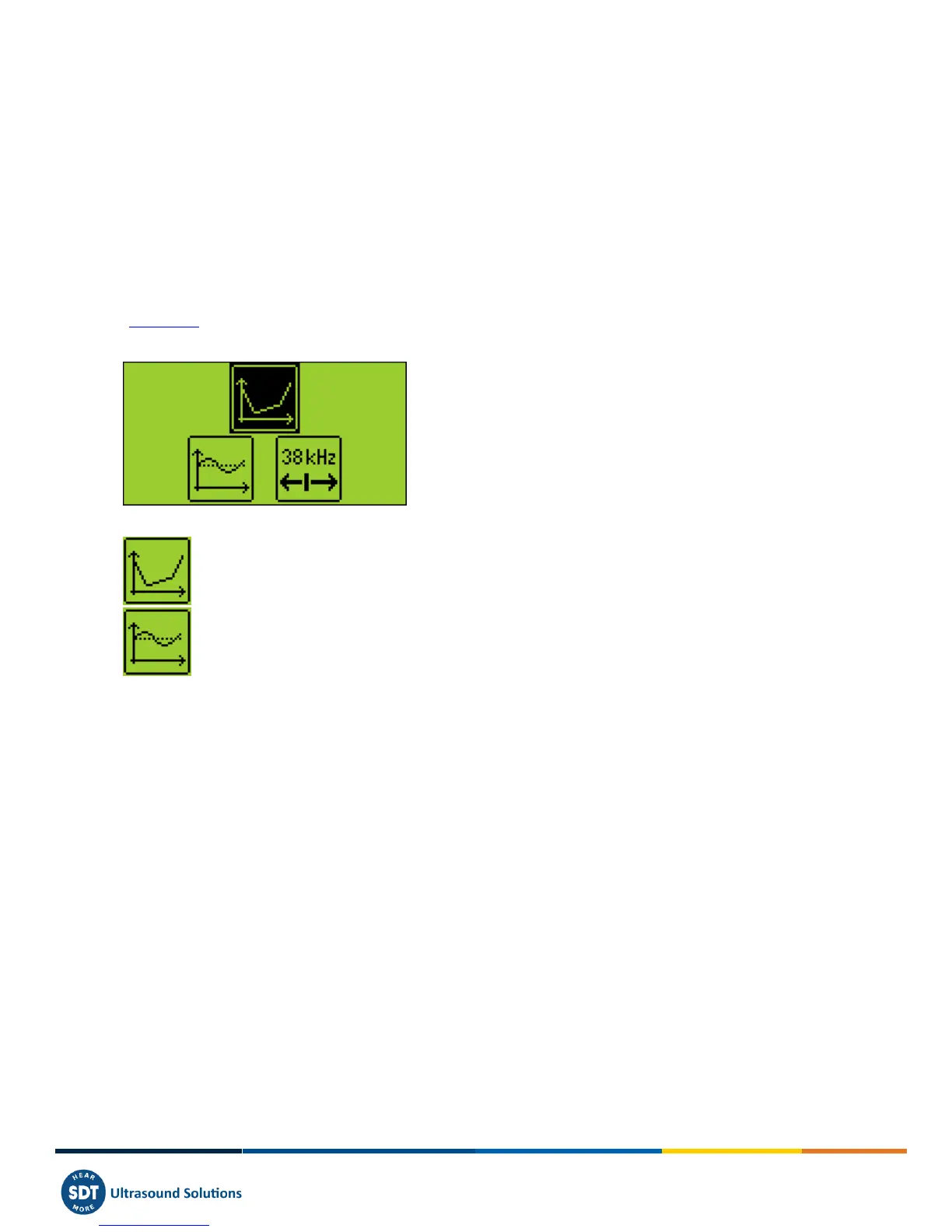
Press the F2 button, the following screen appears:
Choose the static icon, using direction arrows to collect a static measurement. Validate by Enter
Choose the dynamic icon, using direction arrows, to collect a dynamic measurement. Validate by Enter
9.2 Measurement settings
Press the F3 button to enter the measurement settings menu.
Select and then adjust the computation time using Up and Down arrow buttons.
The computation time is adjustable from 0 to 100 seconds.
The RMS, Max RMS, Peak and Crest Factor are calculated over the total computation time.
Use the F1 button to save the settings as a preferred configuration
Use the F2 button to load your preferred configuration
Use the F3 button to use a one-shot configuration, without saving it.



 To Next Page