These features are available on the SDT270 SD and DD versions. To check your SDT270
version, please refer to the chapter "System Info".
Install_DataDump_Application
Activate_DataDump_software
Download_and_erase_stored_data_with_DataDump
16.1 Install DataDump Application
16.1.1 Installation from the usb key
Explore the USB key delivered with your equipment in your reader. After choosing the language, from the main page,
select ''DataDump Software''
then ''Install Software''.
To continue the installation, please turn to the chapter ''Setup''.
16.1.2 Online Installation
Visit SDT ftp site at the address: ftp://ftp.sdt.eu/pub/Software/SDT270DataDump/. Select the directory ''Latest version''
and double click on the file ''SetupDataDump.msi''.
16.1.3 Starting up the installation
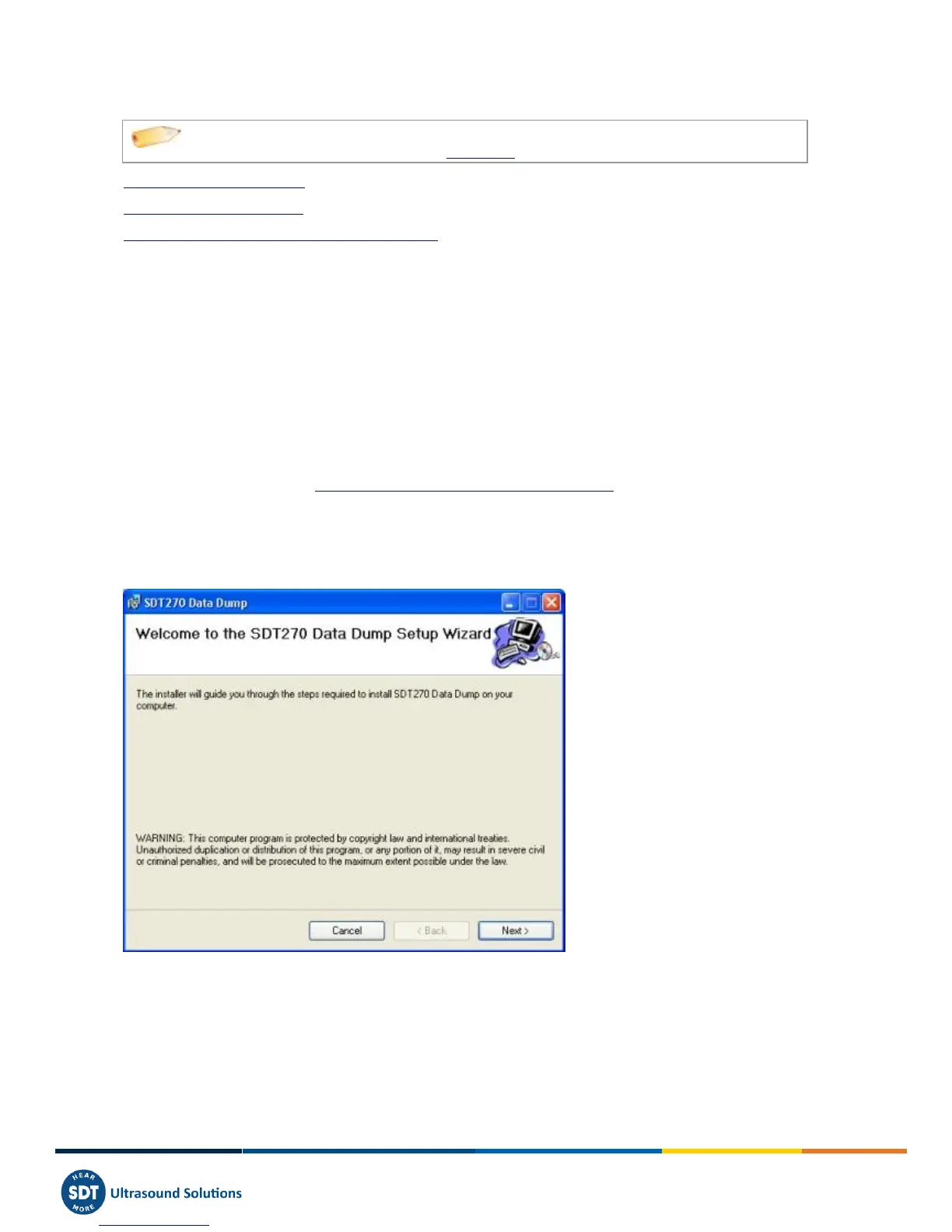
You should now see the following screen:
Click ''Next''. Then, the following screen appears:



 To Next Page