SDT270 settings and sy stem informati on
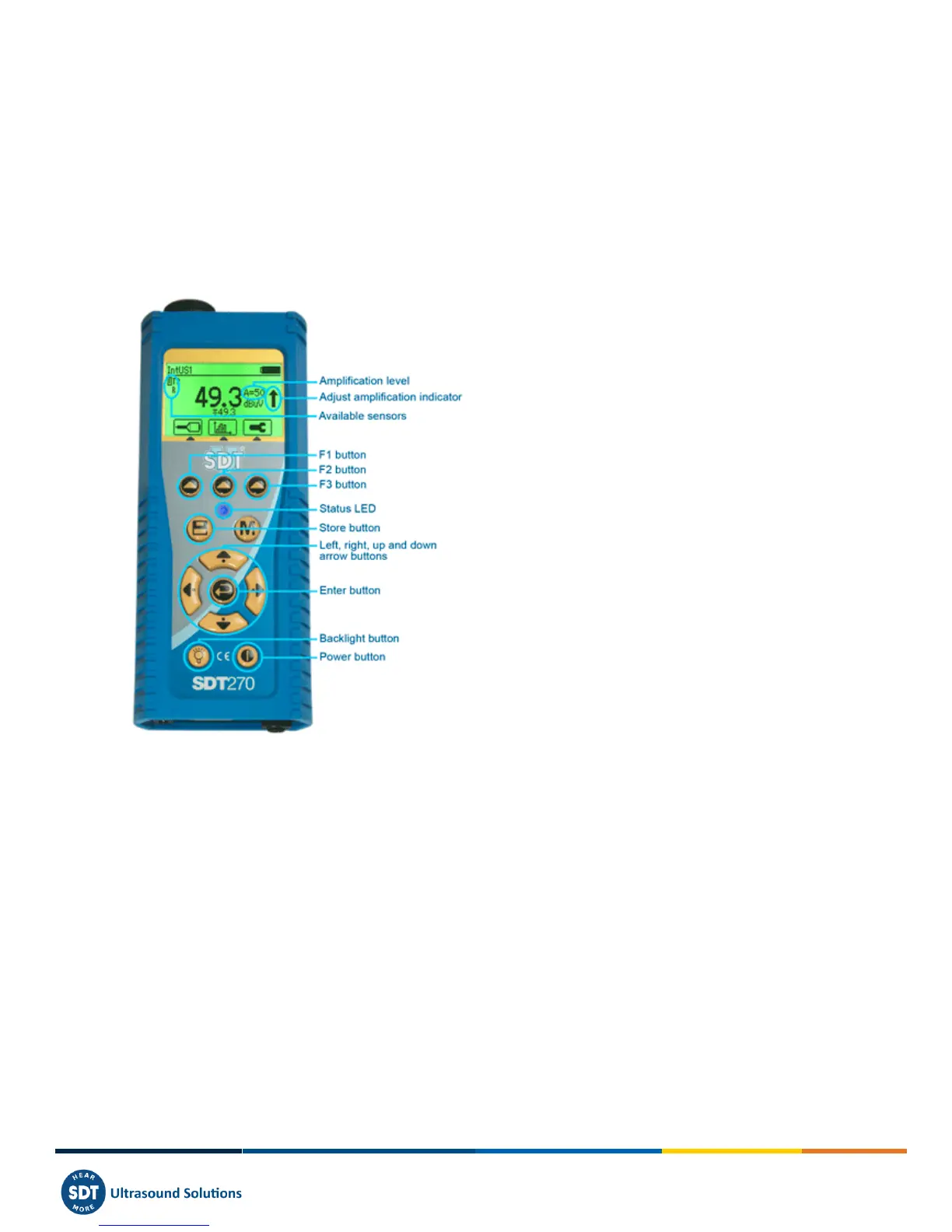
19 Keyboard functions when navigating
inside the menus
F1 to come back to the previous menu.
Left and right arrows to select the previous or the next field.
Up and down arrows to change the value of the selected field.
Enter to validate your choice and came back to the previous menu.



 To Next Page