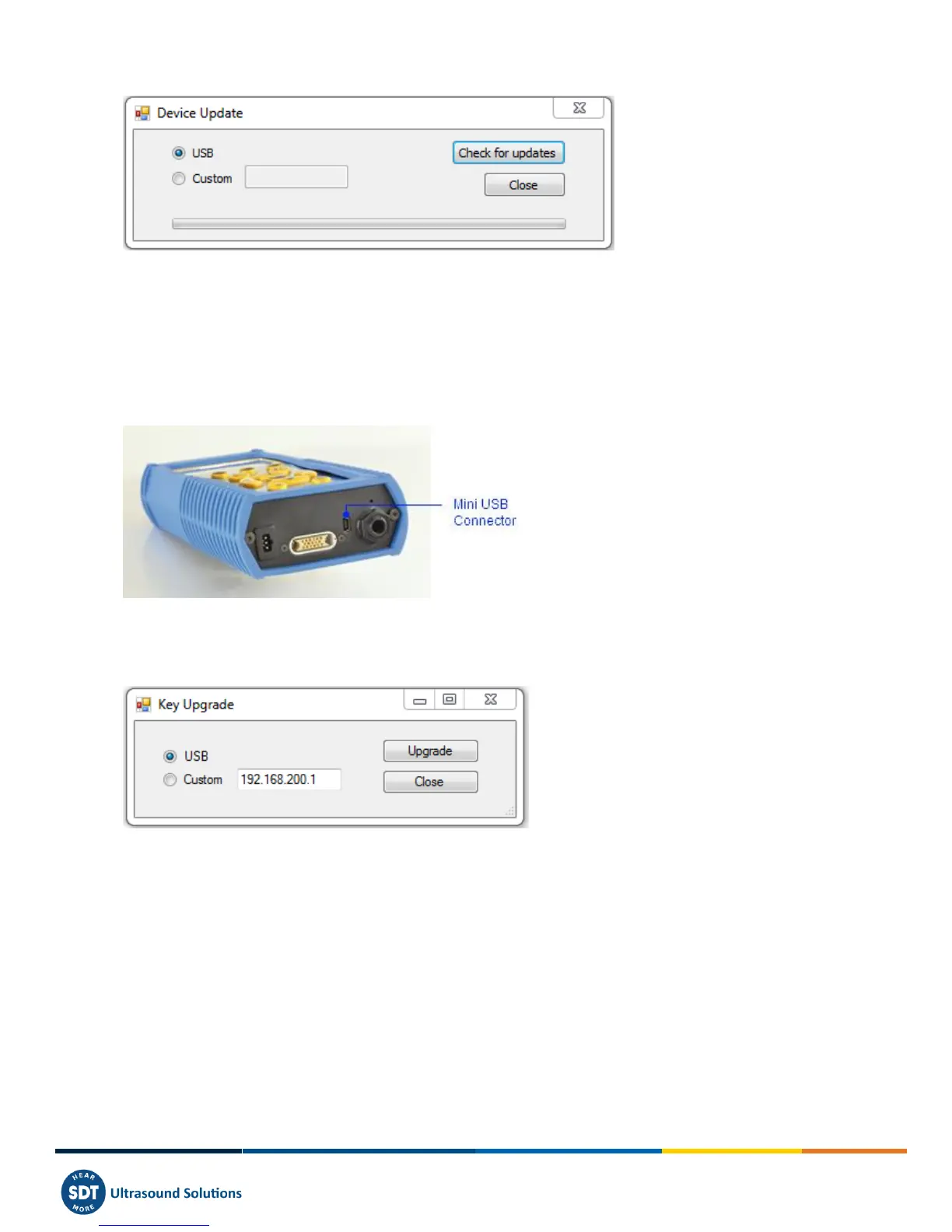
Tick the radio button USB and click on ''Check for updates''.
18.3.2 Upgrading
If you want to upgrade your SDT270 to a higher version, please contact first SDT or your local representative, which will
send you by email an Upgrade Key file. The key name has a format type ''ne270xxxxxx.sdt.key'' where
''neSDT270xxxxxx'' is the serial number of the device you want to upgrade. Store this file in your computer to a specific
location.
Turn on your SDT270 and when the measurement screen is loaded, connect it to your computer using the USB/Mini USB
cable.
Run Ultranalysis suite.
Develop the menu ''Device / SDT270'' and choose the option ''Update firmware''.
Tick the radio button USB and click on ''Check for updates''.
A new screen appears. Select the Key file from the location you previously stored it and click ''Open''.



 To Next Page