Seaory S21 Desktop Single-sided Card Printer
Excellent quality, Perfect service
www.seaory.com 47 / 51
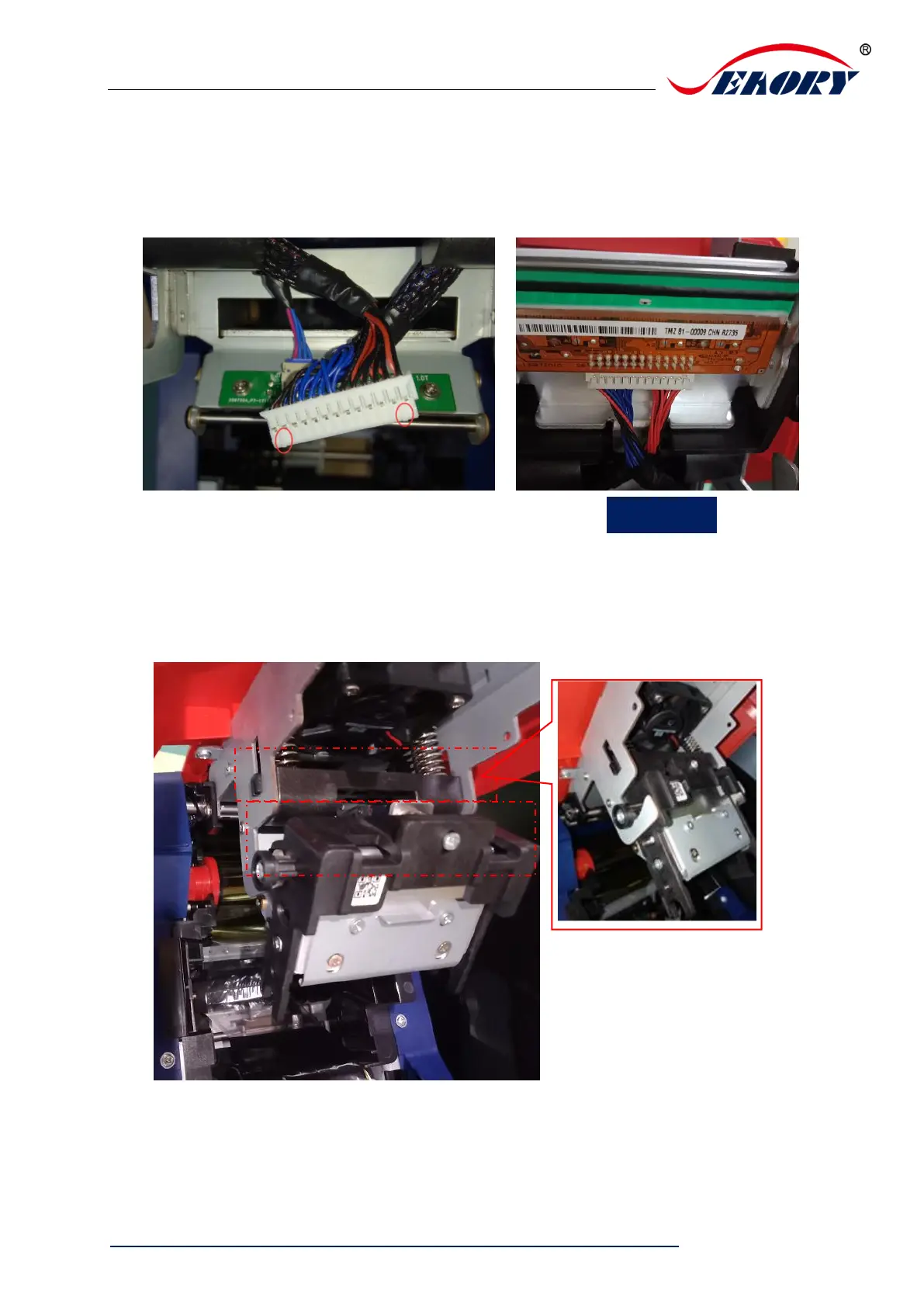
Step 5: Install new print head
Take out the new print head and connect the print head wiring to the wiring plug. Note
that the direction of the wiring plug must be the same as the print head interface.
Clip the print head onto the hook and hold part A against part B until the cylinders on
both sides of part A are stuck on the metal hook.



 To Next Page