82 • secaconnect 103/seca 452
17-10-01-266-002a/07-2018B
18.ANNEX: QUICK REFERENCE: MEASUREMENT PROCEDURE
Quick reference: Measuring procedure for network integrated seca deviceV
Device identification
Device name:
Device type:
Device location:
Server address (seca connect 103):
OFF
Manual (no bar codes)
Scan Patient ID
Scan Patient ID and User ID
Confirm measurement at device
Yes
No
Use these features as indicated only:
Notice: Failure to use these features as indicated below will result in invalid values being transferred to the EMR.
Applicable to this device? Feature Use this feature?
hold key Do not use!
bmi key Do not use!
Deactivate feature after each measurement to clear tare
value from memory
• Deactivate ultrasound length measurement feature
(e.g. in models seca 287/286) before measurement
• Deactivate 2 in 1 feature after each measurement
to clear value from memory
Press key before each measurement to clear obsolete
length value from memory
BMIF Deactivate feature before confirming measurement
* Exception: Use send button on head slide of seca 285/284 as usual.
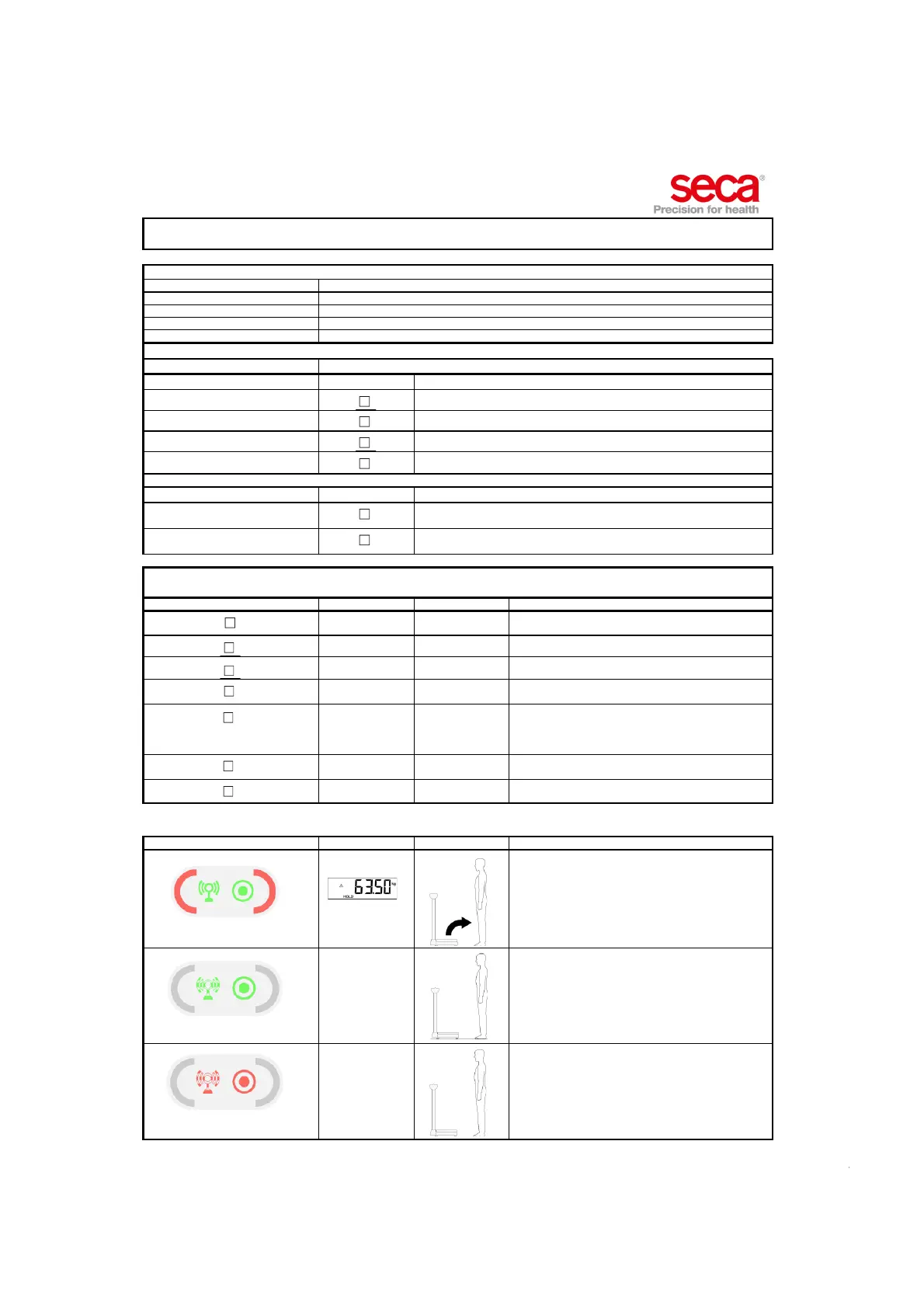
Integration module Device Patient User
Data transmission error
• Ask patient to step off device.
• Wait till workflow LEDs go out.
• Go through COMPLETE measuring procedure.
Network LED flashing green
Establishing network connection.
• Wait till network LED ist solid green.
• Then start measuring procedure.
Network or Power LED flashing or
solid red
Malfunction, contact administrator.
Page 1/2



 To Next Page