90 • secaconnect 103/seca 452
17-10-01-266-002a/07-2018B
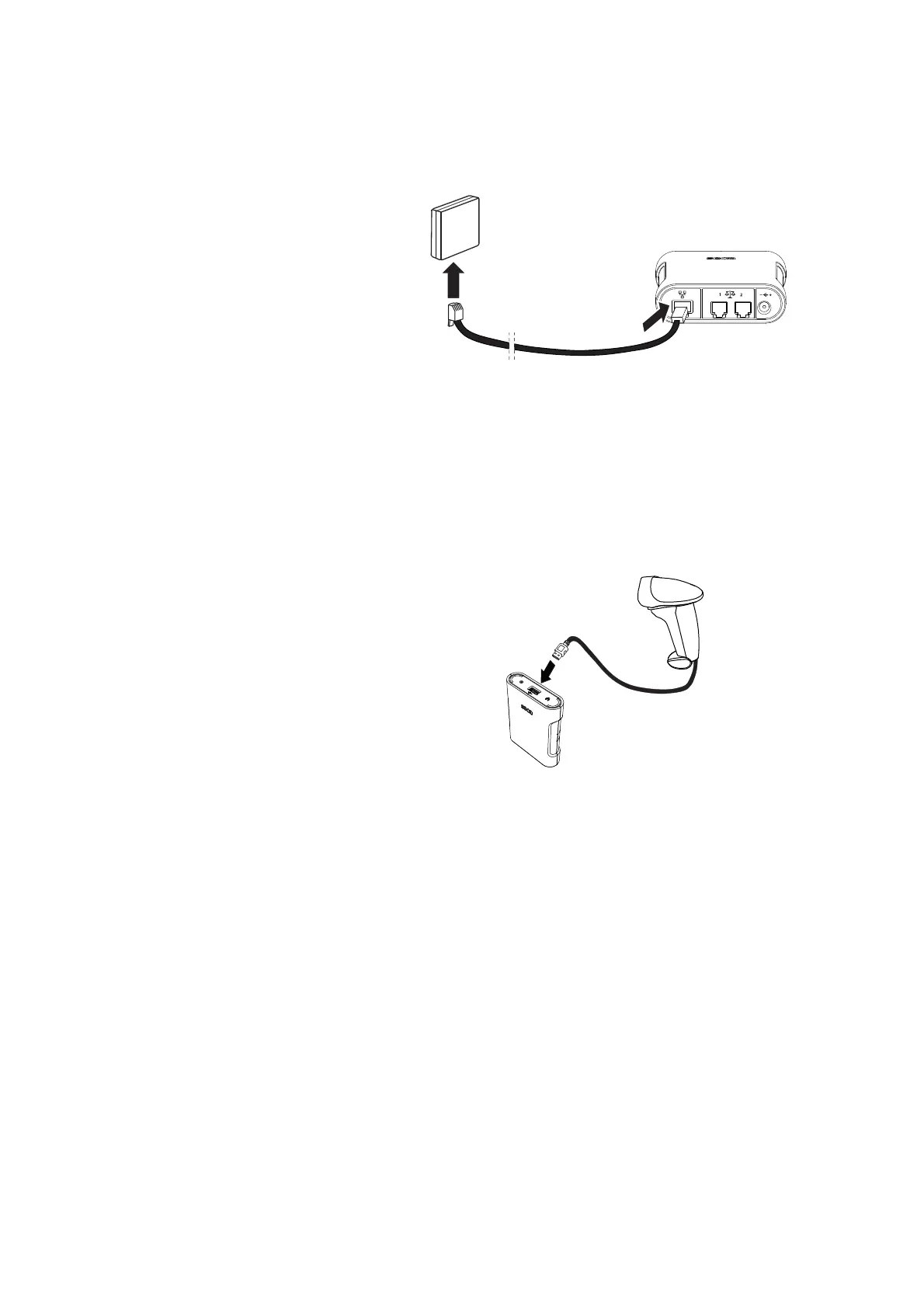
4. Connect an Ethernet cable to the seca 452 interface module:
a) Connect the Ethernet cable to the Ethernet interface of the seca 452
interface module
b) Connect the Ethernet cable to the network socket
NOTICE!
Malfunction caused by an incompatible scanner
Incompatible scanners can lead to faulty data transmission or system
malfunction.
► Only use scanners that are listed in the section ➔ Optional
accessories and spare parts.
5. Connect a scanner to the
seca 452 interface module:
a) Connect the scanner cable to the USB interface of the
seca 452
interface module
b) Attach the scanner to the scanner bracket



 To Next Page