第 15 页
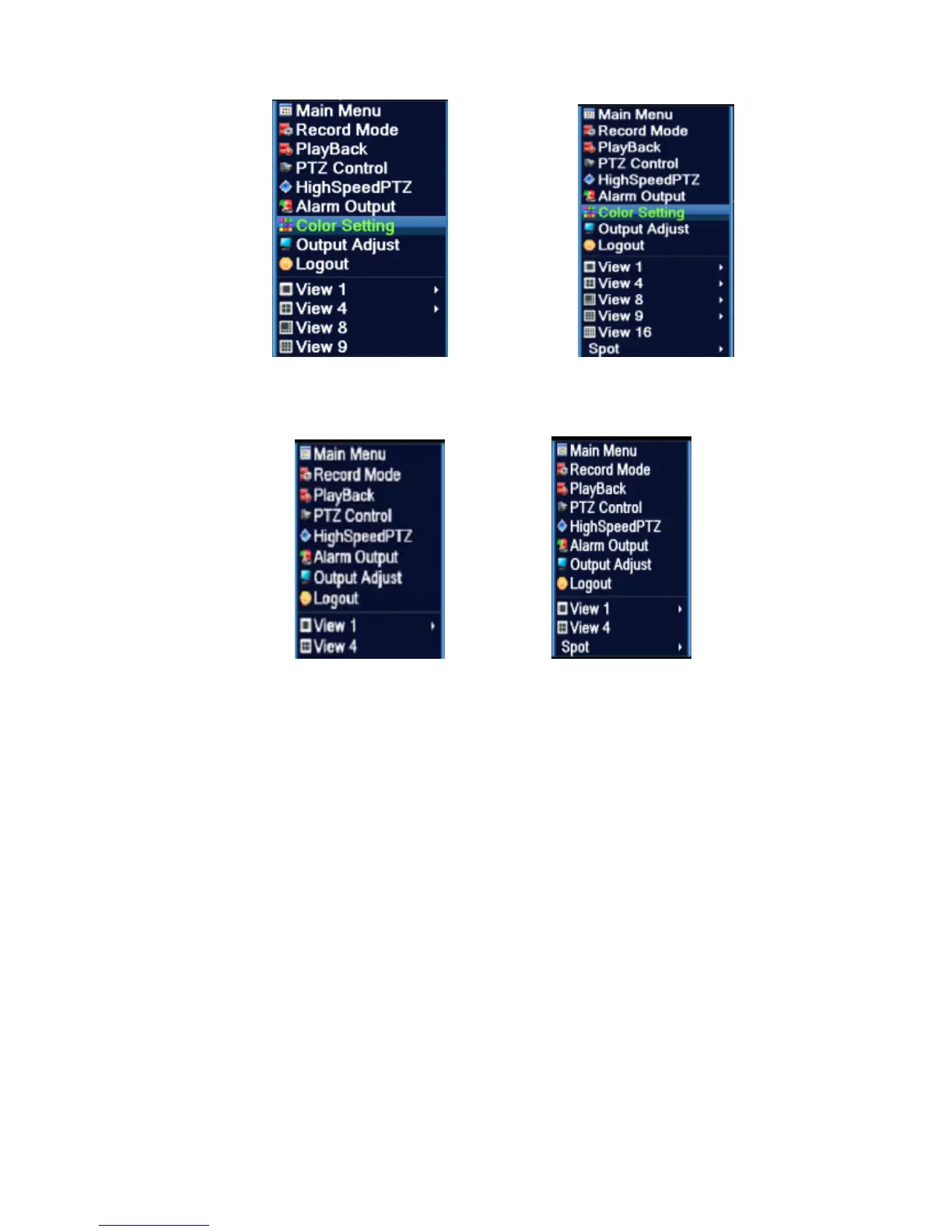
Shortcut menu in full analog(DVR)/Hybrid(HVR) mode
Shortcut menu in full digital(NVR) mode
Picture 3.2 Shortcut Menu
*compare to analog/hybrid mode's shortcut menu,the full digital mode do not have color setting
function.
3.5.1 Main menu
When you login, the system main menu is shown as below.



 To Next Page