第 25 页
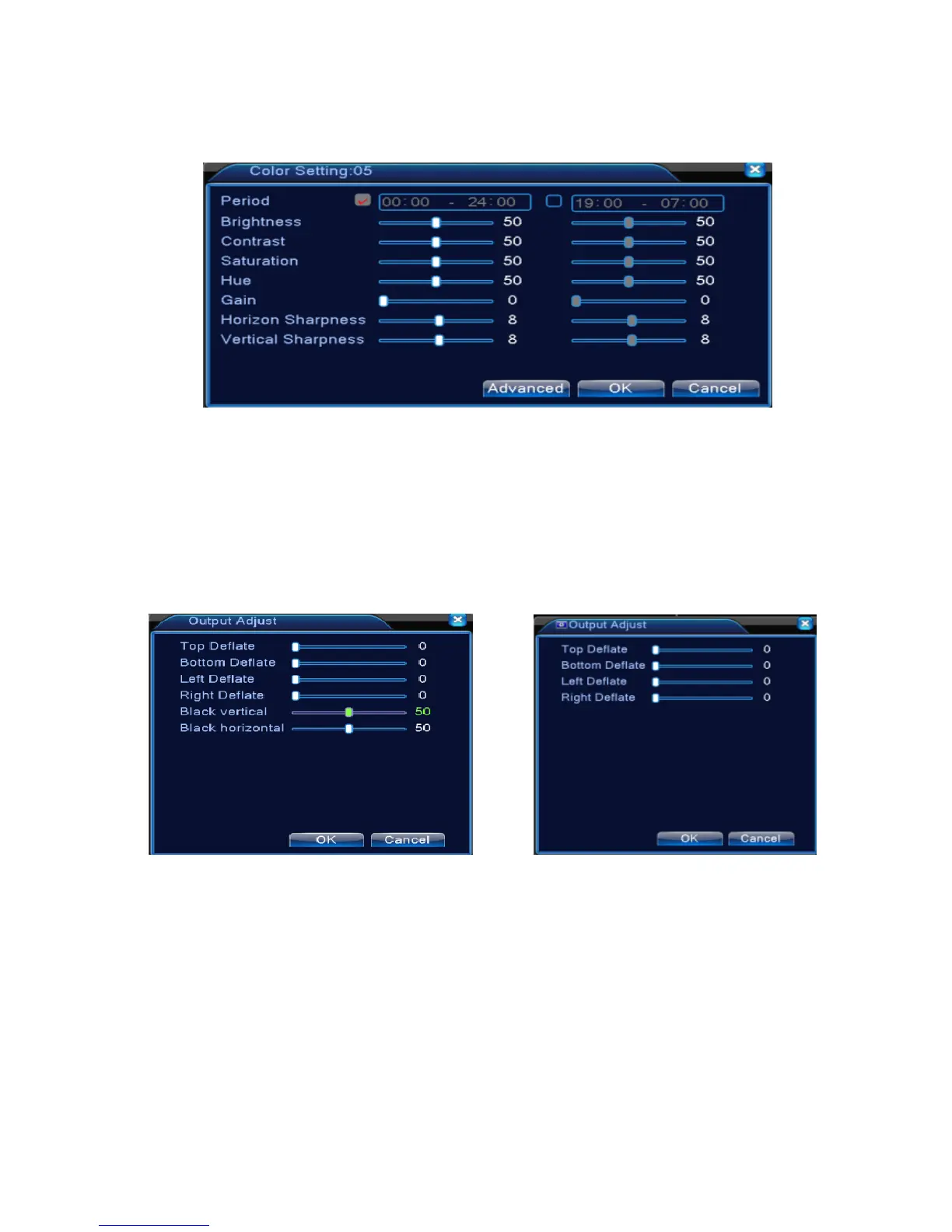
parameters include: tonality, brightness, contrast, saturation. You can set different parameters at different
time sections.
Picture 3.18 Color Setting
3.5.7 Output Adjust
*Hybrid mode is with black margin vertical & horizontal, while full digital mode without.
Adjust TV output area parameters. You can use the desktop shortcut menu or enter [main menu]>
[management tools]> [Output adjust].
Hybrid(HVR) Mode full digital(NVR) mode
Picture 3.19 Output Adjust
Note: The black margin vertical & horizontal at output adjust of hybrid mode is only effect to
analog channel.
3.5.8 Logout
Logout, shut down the system or reboot up. You can use the desktop shortcut menu or enter [main



 To Next Page