第 40 页
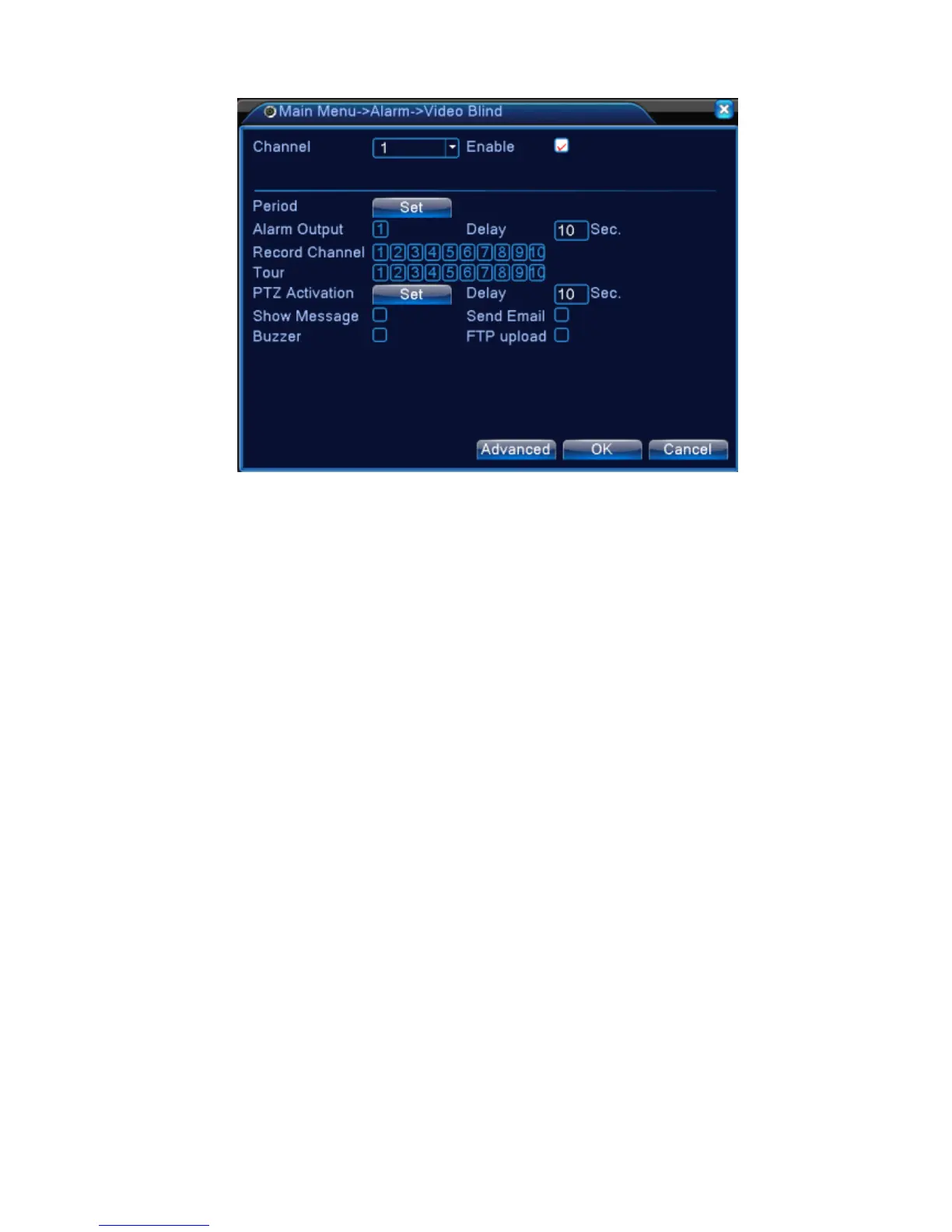
Video blind in full digital(NVR) mode
Pic 4.8 Video blind
Set method: refer to chapter 4.3.1. Motion detect
4.3.3 Video Loss
When the equipment can not obtain the channel video signal, the video loss alarm is turned on and
the linkage function is turned on.
*Same as motion detect function, video loss is different between Hybrid mode & Full digital
mode:
Digital channel: not only to enable video loss function at local side, but also to enable the remote
device that was connected. when remote device with video loss, local side will start alarm
recording, otherwise this function is not enable.
Hybrid mode: only need to enable video loss function at local side.
Note: "Advanced" button is the same as right click.



 To Next Page