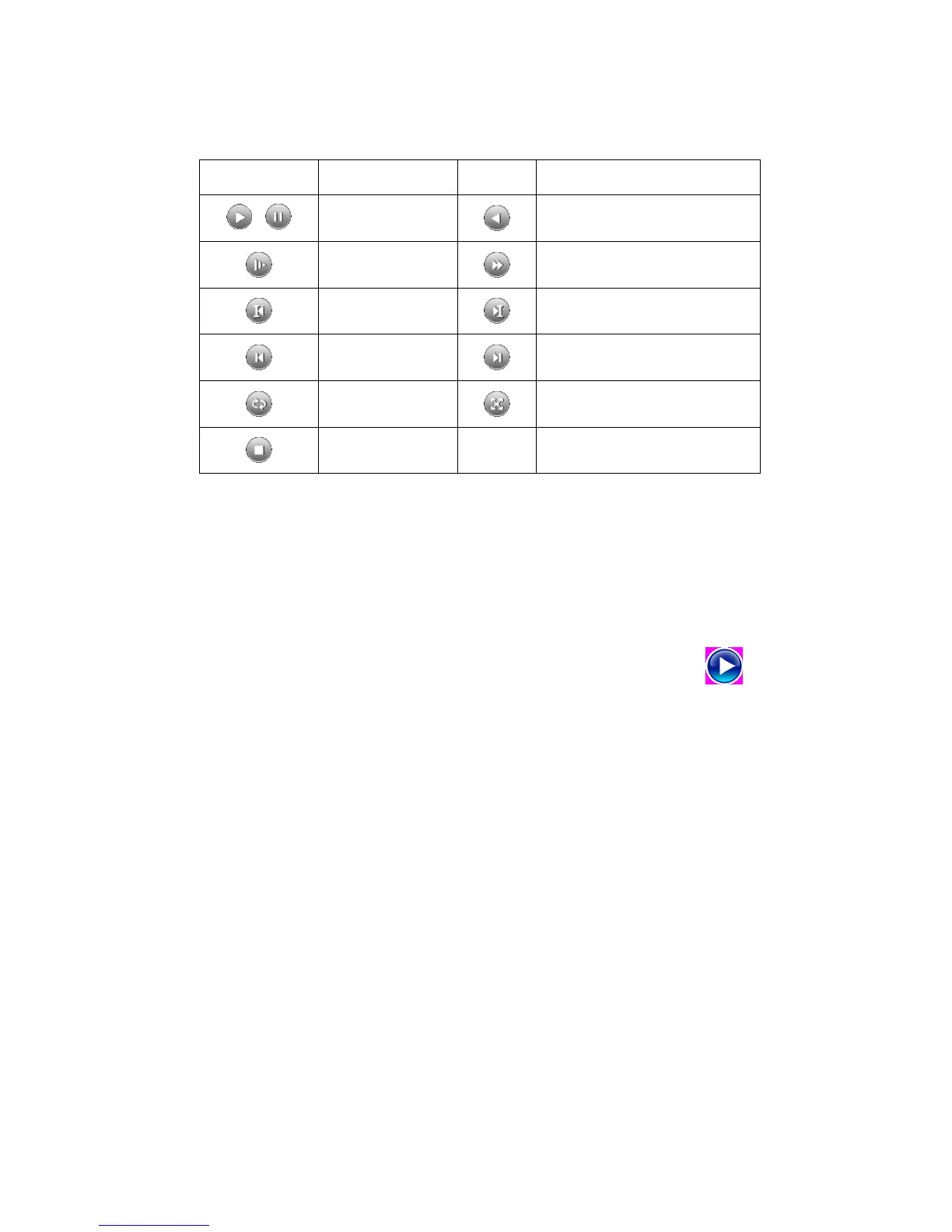
Picture 3.5 Playback control key
Note: play under frame by frame, the playback status should be paused firstly.
【Operation tips】show function of the key that cursor placed.
Special functions:
Accurate playback:Input time (h/m/s) in the time column and then click play button. The
system can operate accurate playback according to the searching time.
Local zoom:When the system is in single-window full-screen playback mode, you can drag your
mouse in the screen to select a section and then left click mouse to realize local zoom. You can right click
mouse to exit.
Note: When current resolution of the channel is over Max resolution, to playback this channel,
will show a Red “X”.
3.5.3 Record Control
Please check current channel status: “○” means it is not in recording status, “●” means it is in
recording status.
You can use desktop shortcut menu or click [main menu]> [recording function]> [recording set]
to enter the recording control interface.



 To Next Page