第 49 页
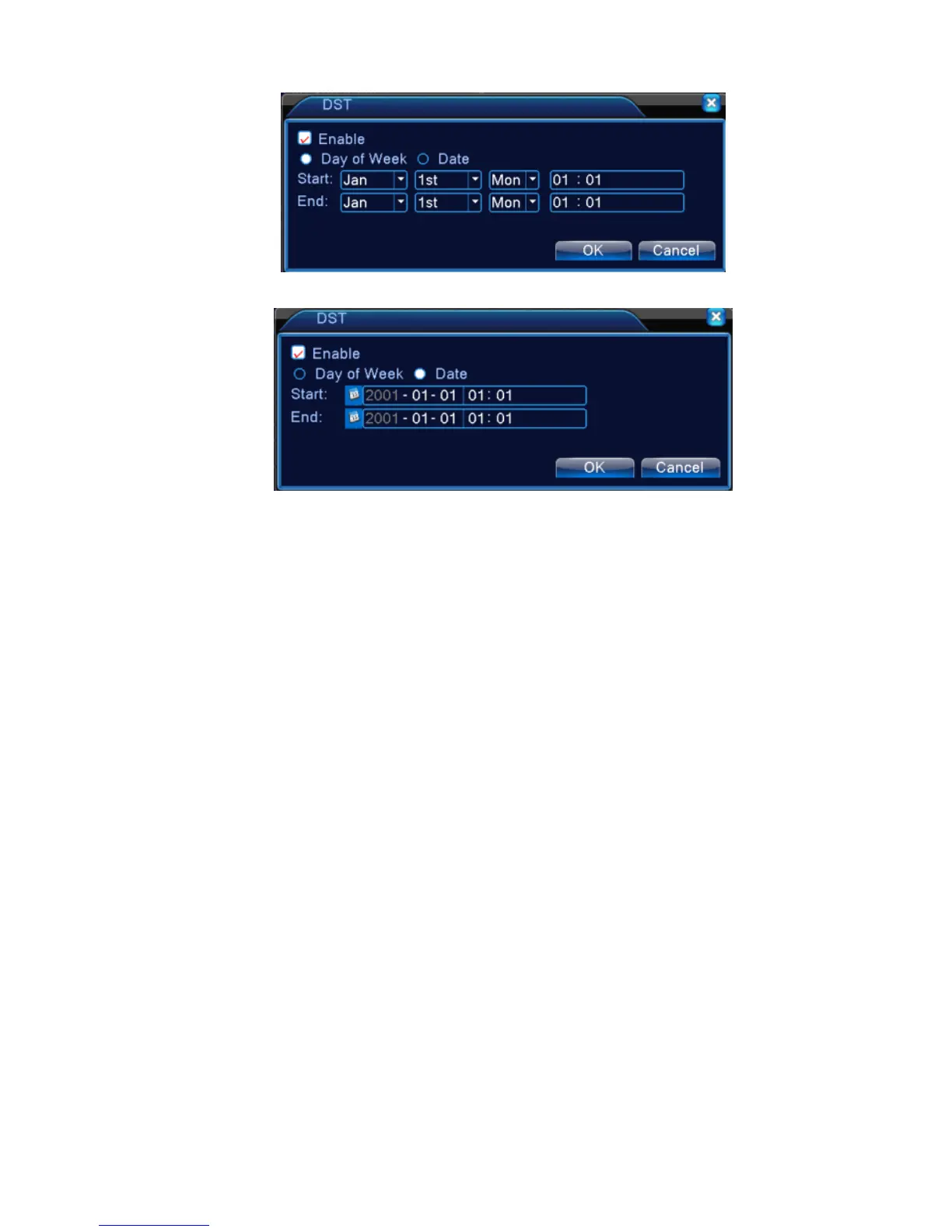
Picture 4.18 DST (week)
Picture 4.19 DST (date)
4.4.2 Encode setup
*only 6000 series and HVR (other products only have analog channel) under Hybrid mode/full
analog mode ,it has encode setup function,encode settings is for analog channel only.
Set the video/audio code parameter: video file, remote monitoring and so on. Set every main stream
parameter in the left part, and set the extra stream parameter in the right part.
Note: extra stream introduces video compression technique which was applying for multi-channel
playback simultaneously, Dial-up multi-channel real-time monitor under poor bandwidth, or mobile
monitor and so on.



 To Next Page