第 61 页
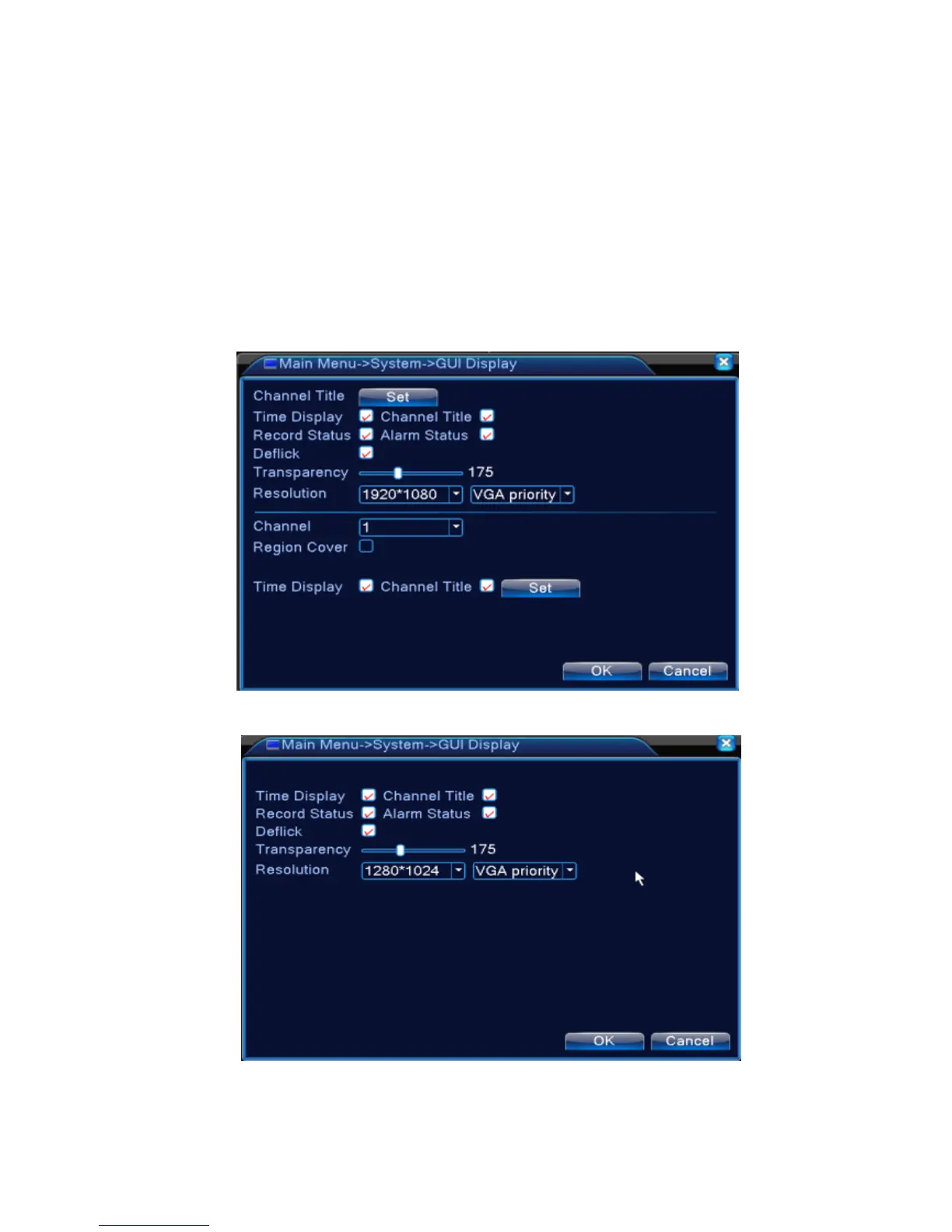
4.4.5 GUI Display
Configure the video output parameters including the front output mode and encode output mode.
Front output:In the local preview mode include: channel title, time display, channel display, record
status, alarm status, transparency and region cover.
Encode output:In the network surveillance and video file mode include: channel title, time display,
channel display, record status, alarm status, transparency and region cover.
*Remark:Only 6000 series product support preview resolution - 1920*1280(1080P)
The GUI display page under hybrid(HVR) mode and all analog(DVR) mode
The GUI display page under full digital(NVR) channel



 To Next Page