第 66 页
Pic 4.40 tour configure
【interval】Set the patrol switch interval. The set range is 5-120 seconds.
【alarm tour】set the interval to shift alarm tour, range is 5-120 seconds, choose return when alarm
ends, when alarm link to tour, system will auto shift to six-view after alarm finished.
Remark:at preview mode, click upper right icon / can turn on / off tour( mean turn on,
mean turn off).
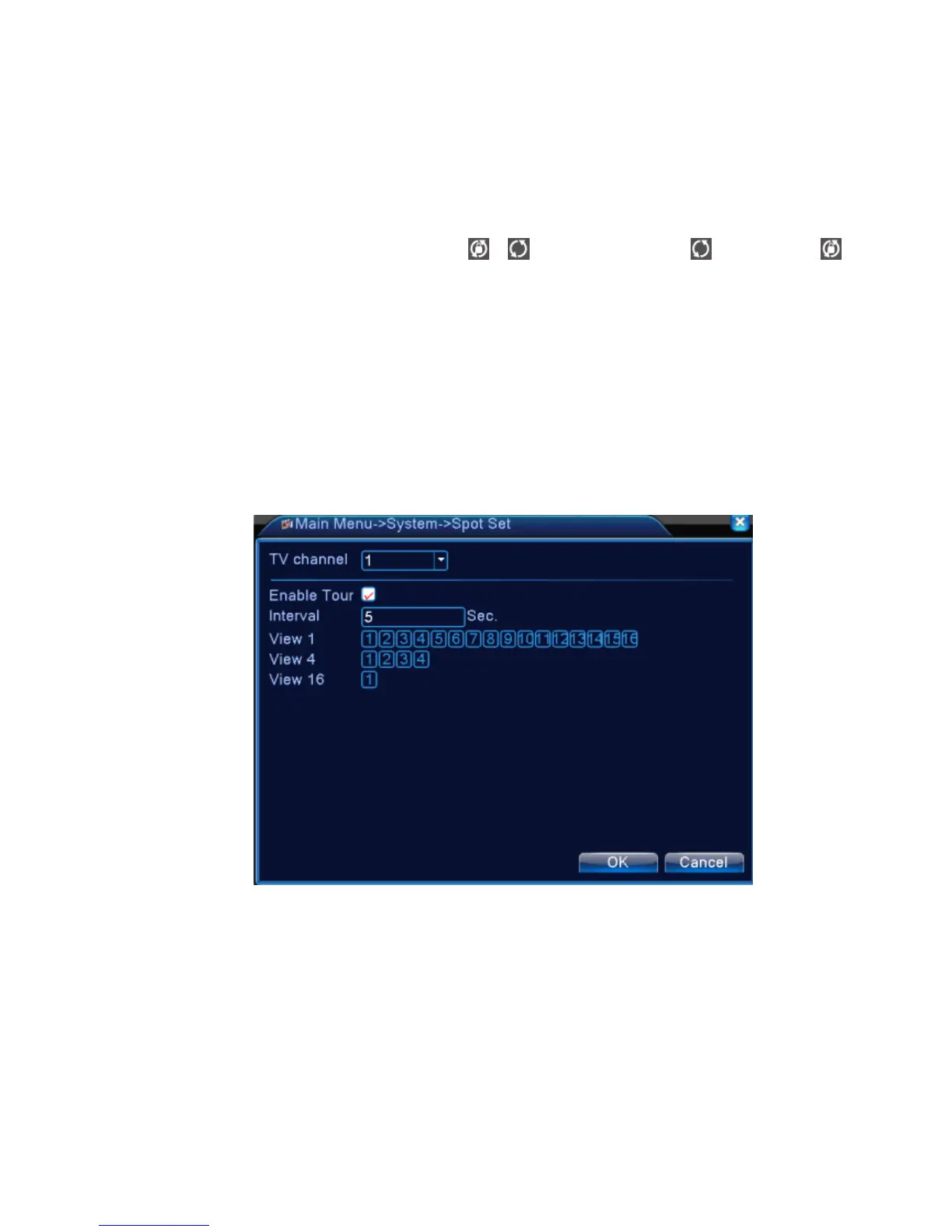
4.4.9 Spot configure
*Remark: only part of 6000 series product can support this function
To set TV tour display with sport port, means enable mode tour, you can choose single-view,
four-view, nine-view for single mode tour or hybrid mode tour. When tour enables, no matter what u
operate on VGA side, there is only the spot tour image output on TV side, no GUI displayed,
Pic 4.41 Spot configure
【interval】Set the patrol switch interval. The set range is 5-120 seconds.
4.5.0 Channel manage
*Remark:only HVR and 6000 series product support this function.
Digital manage including digital channel, channel status, and channel mode (Remark: there is only
analog mode if device is under full analog mode):



 To Next Page