第 18 页
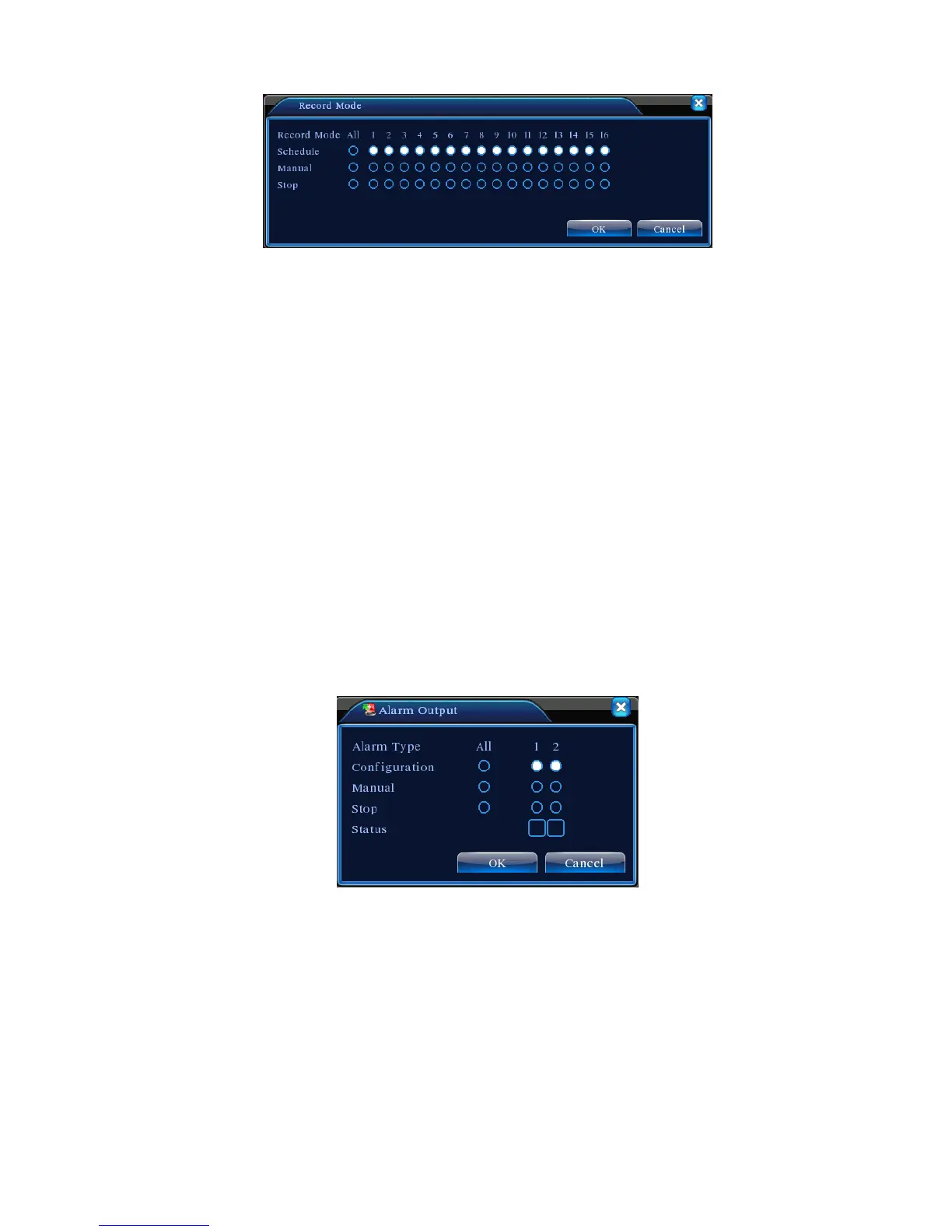
Picture 3.8 Record Mode
【Schedule】Record according to the configuration.
【Manual】Click the all button and the according channel is recording no matter the channel in any
state.
【Stop】Click the stop button and the according channel stops recording no matter the channel in
any state.
3.5.4 Alarm output
Please check current channel status: “○” means it is not in alarming status, “●” means it is in
alarming status.
You can use desktop shortcut menu or click [main menu]> [alarm function]> [alarm output] to
enter the alarm output interface.
*T series no alarm output
Picture 3.9 alarm output
【Configuration】Alarm is on according to the configuration.
【Manual】Click the all button and the according channel is alarming no matter the channel in any
state.
【Stop】Click the stop button and the according channel stops alarming no matter the channel in any
state.



 To Next Page