第 26 页
menu].
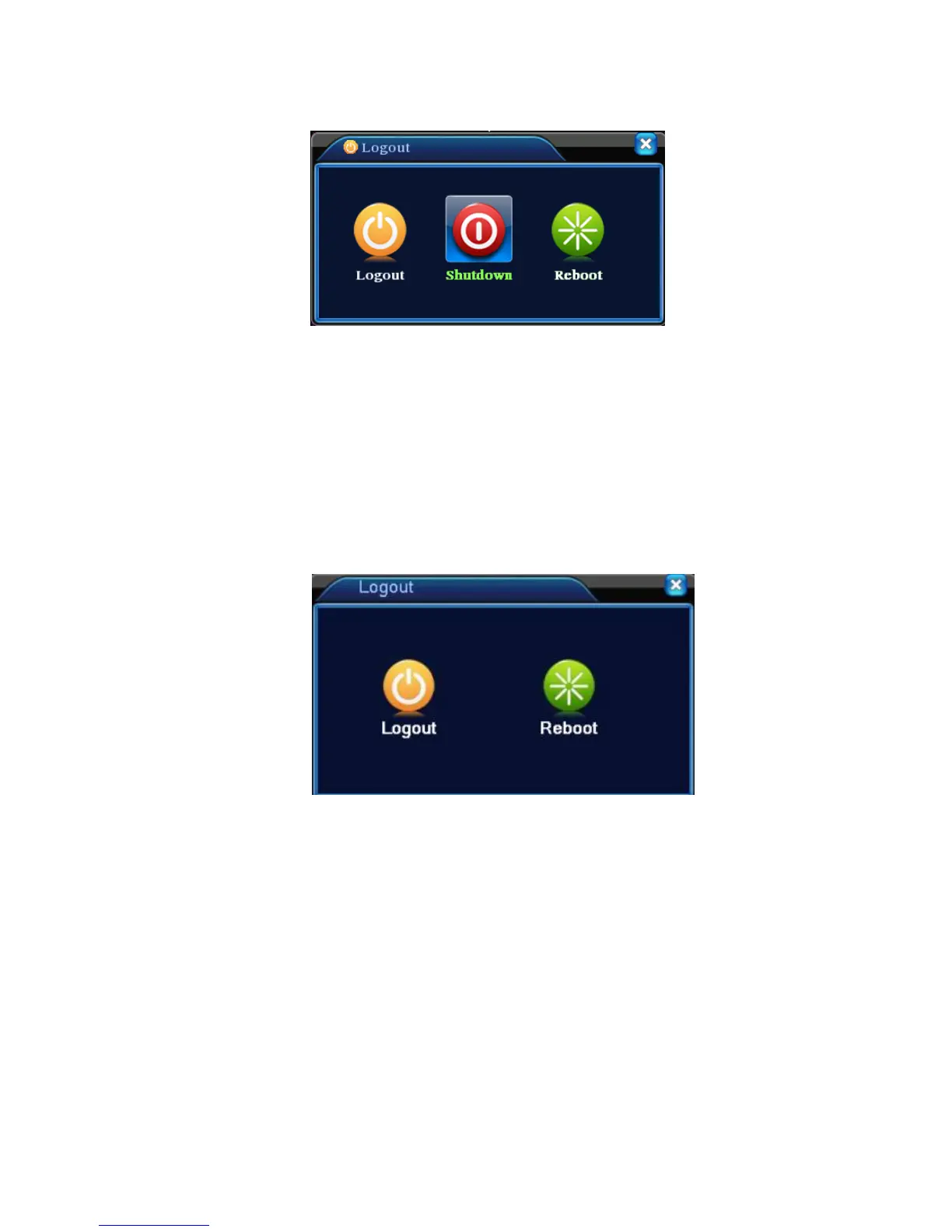
Picture 3.20 Logout/Shutdown/Reboot the system
【logout】Quit the menu. Offer password next entrance.
【shut down】Quit the system. Turn off the power supply.
When press the shut down button, there is schedule hint. After three seconds, the
system is shut down. Cancel midway is of no effect.
【reboot】Quit the system. Reboot up the system.
*Note:T series have no shutdown function.
T series logout
3.5.9 Window switch
Preview in single window/four windows/eight windows/nine windows/sixteen windows according to
your choice.
Note:different video input number have different switchable preview picture.
3.6.0 Spot
Only part products of 6000 series support this function.the first BNC interface regard as Spot
interface,the user can switch to Spot output image segmentation mode through shortcut menu.After
connect to this BNC interface,no matter what operation in VGA,the TV only output the device's preview
screen, no GUI interface.



 To Next Page