第 72 页
4.5 Advanced
Manage tools menu including: HDD manage, account manage, online user, output adjust, auto maintain,
upgrade.
4.5.1 HDD Manage
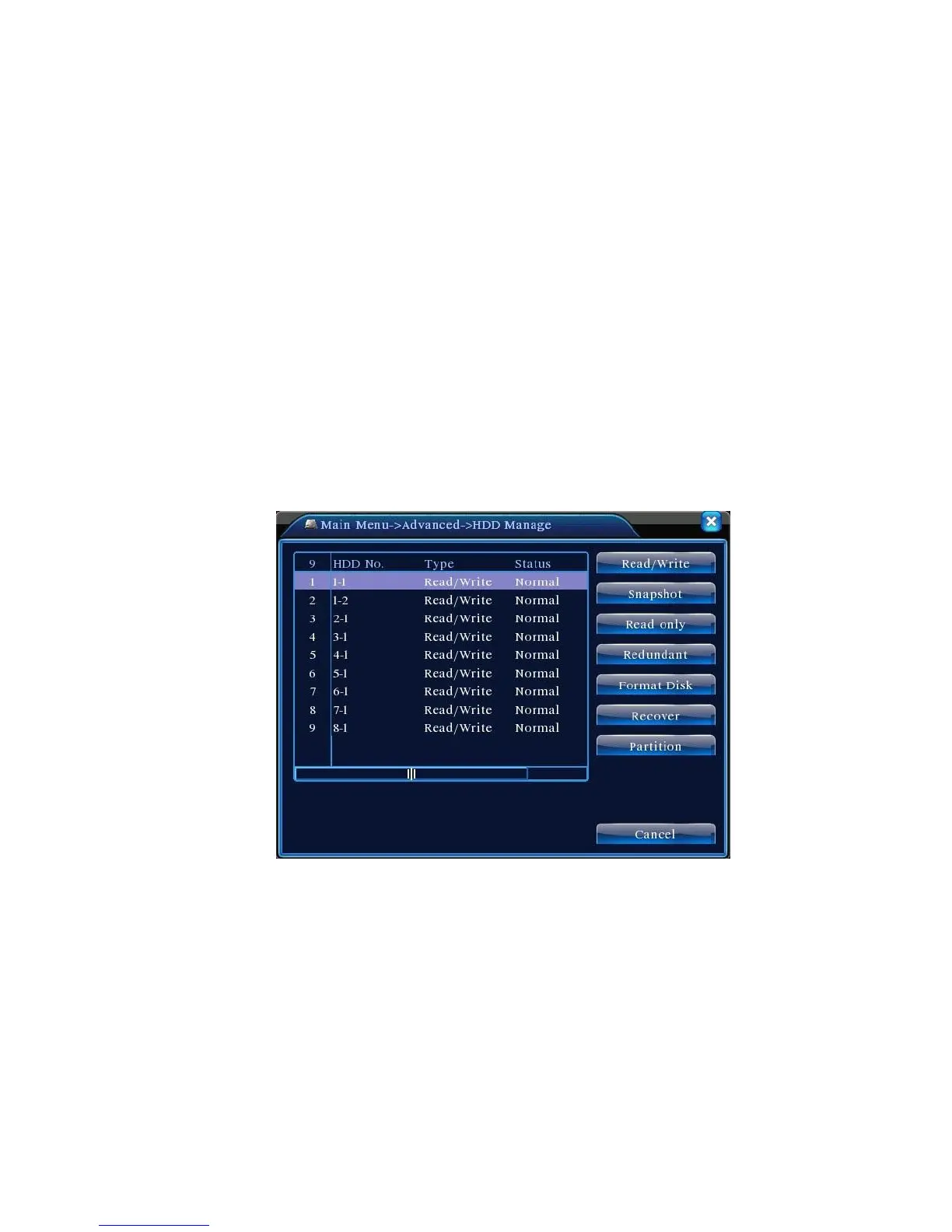
Configure and manage the hard disk. The menu displays current hard disk information: hard disk
number, input port, type, status and overall capability. The operation include: setup the write-read disk,
read-only disk, redundant disk, hard disk format, resume default. Choose the hard disk and click the right
function button to execute.
Note:Read/Write Disk: The equipment can write or read data.
Read-only Disk: The equipment can read data but can not write data.
Redundant Disk: Double backup the video files in the write-read disk.
Pic 4.46 HDD manage
4.5.2 Account
Manage the user purview.
Note:1. The character length is 8 bytes at most for the following user and user team name. The blank
ahead or behind the character string is invalid.The middle blank in the character string is valid.
Legal characters include: letter, number, underline, subtraction sign, dot.



 To Next Page