第 33 页
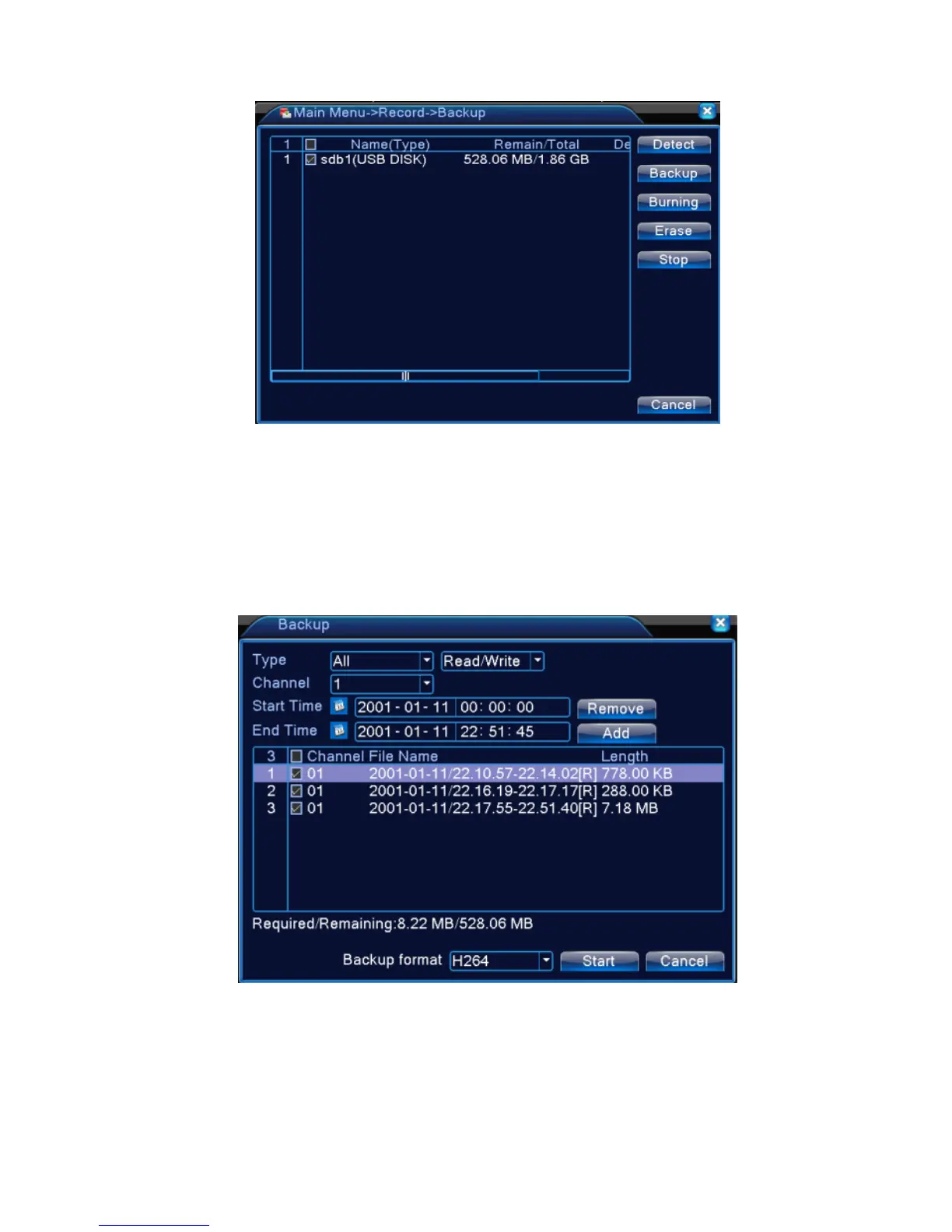
Picture 4.2 Backup
【Detect】Detect the storage connected with the DVR such as hard disk or universal disk.
【Backup】Click backup button and the dialog box is popped up. You can choose the backup file
according to the type, channel and time.
Picture 4.3 Backup
Remove:Clear the file information.
Add:Show the file information satisfying the set file attributes.



 To Next Page