第 47 页
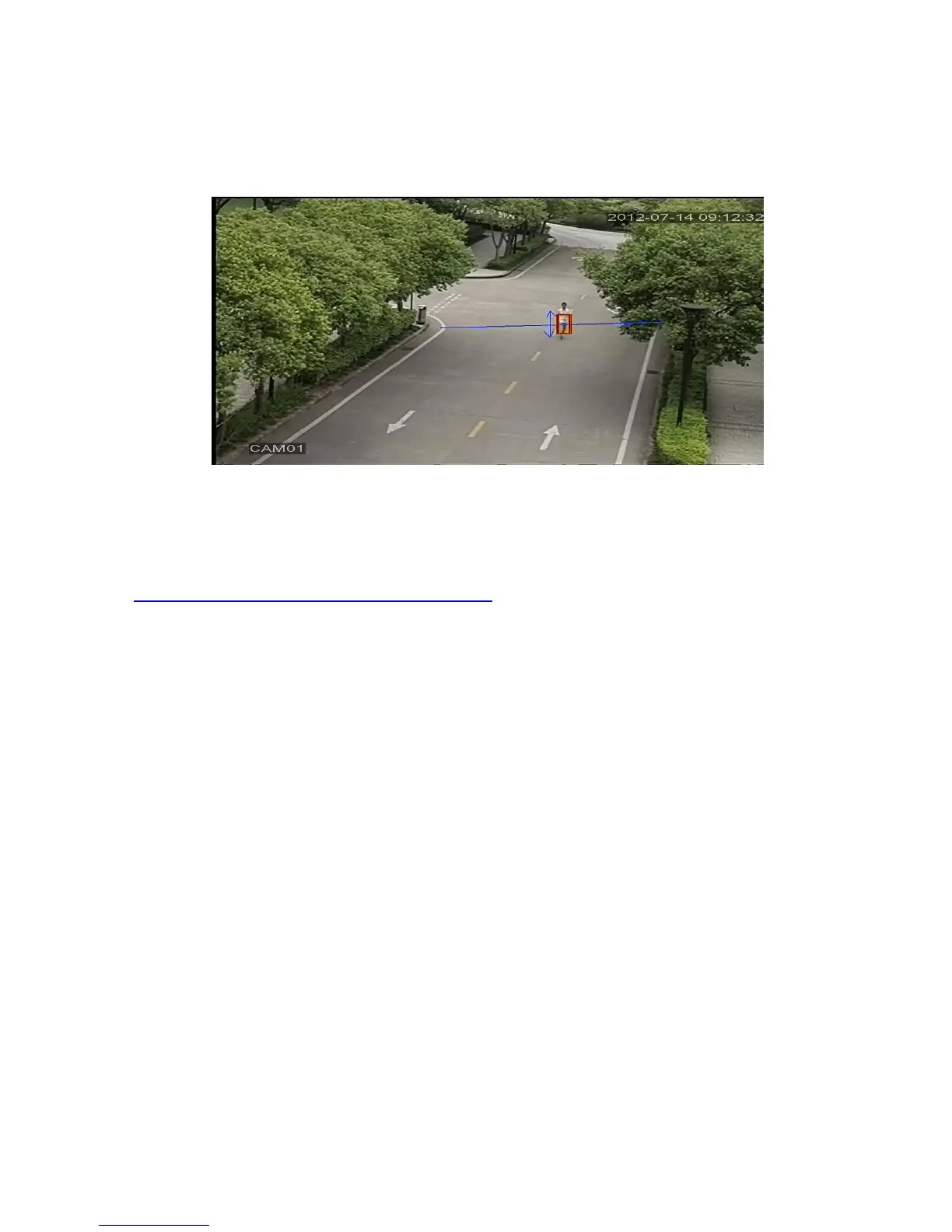
For example:enable video analysis function, algorithm rules is PEA, the alert way in the rule is
Cordon, prohibited direction is bidirectional, when a moving object across this warning line, alarm is
triggered, see below pic4.16
Pic 4.16 the alarm image regarding one of the video analysis
Video Teaching
http://v.youku.com/v_show/id_XNDY5Mjc0OTcy.html ,cordon
http://v.youku.com/v_show/id_XNDY5Mjc3MjAw.html ,warning area
http://v.youku.com/v_show/id_XNDY5Mjc4ODg4.html ,items stranded
http://v.youku.com/v_show/id_XNDY5Mjc4MDA0.html ,items stolen shift
4.4 System setup
Set the system parameters such as General, Encode(under Hybrid/full analog mode)、Network,
Net service、GUI display、PTZ configure/RS485 device、RS232、Tour setup、Spot and digital。



 To Next Page