第 68 页
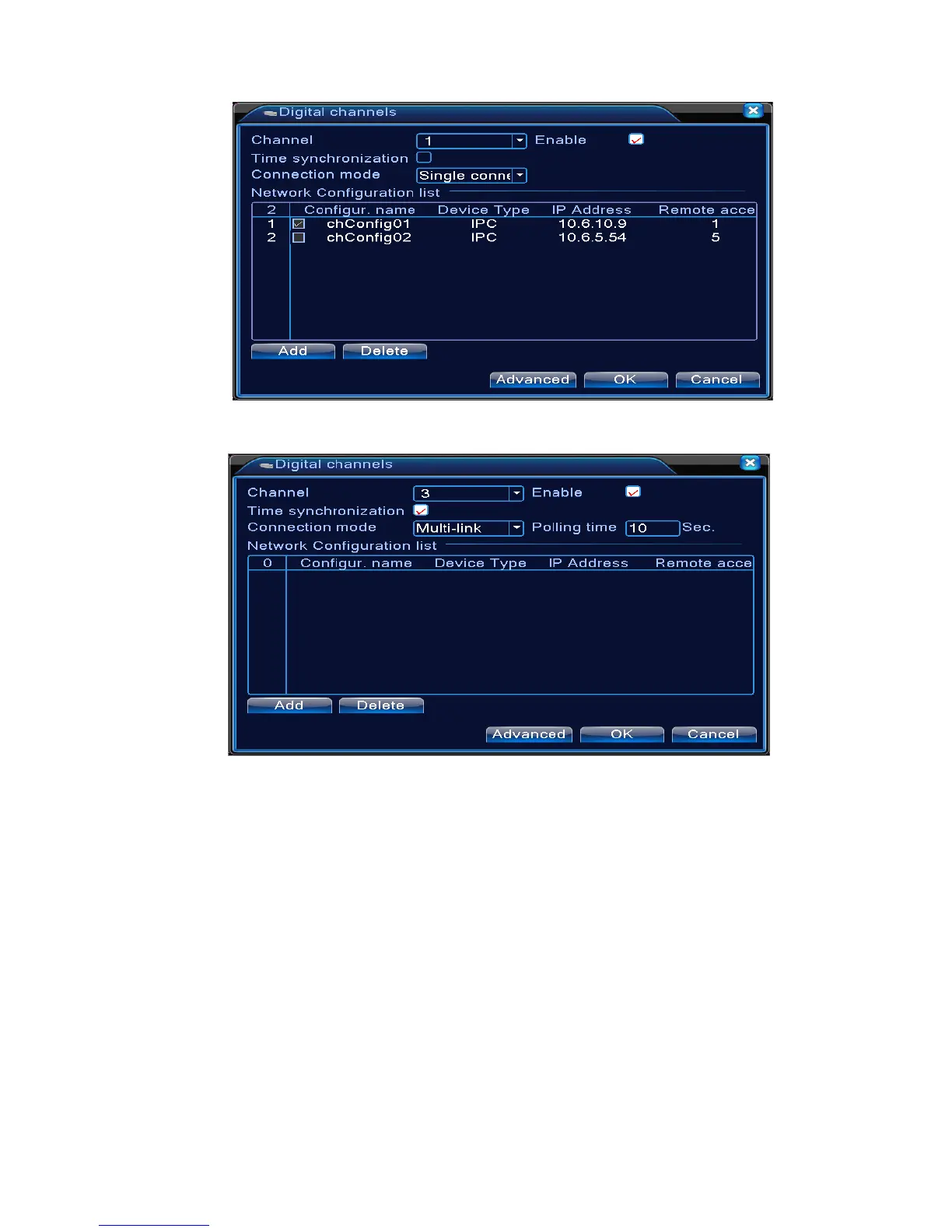
Single link page of digital channel
Multi-linkage page of Digital channel
Pic 4.43 digital channel interface
【Channel】select channel title
【Enable】Open digital channel, tick enable, then can do related settings
【Time Synchronization】Tick it means the time of this channel and device is the same.
【Connection Mode】can be singe connect or multi-ink, multi-link modes can connect to several
devices, device will be tour displayed one by one, tour interval can be set, no less then 10s;
【Delete】If the user want to change device, select the existing device, click delete will be ok.
【Add】click add will come out below page to add new device



 To Next Page