第 83 页
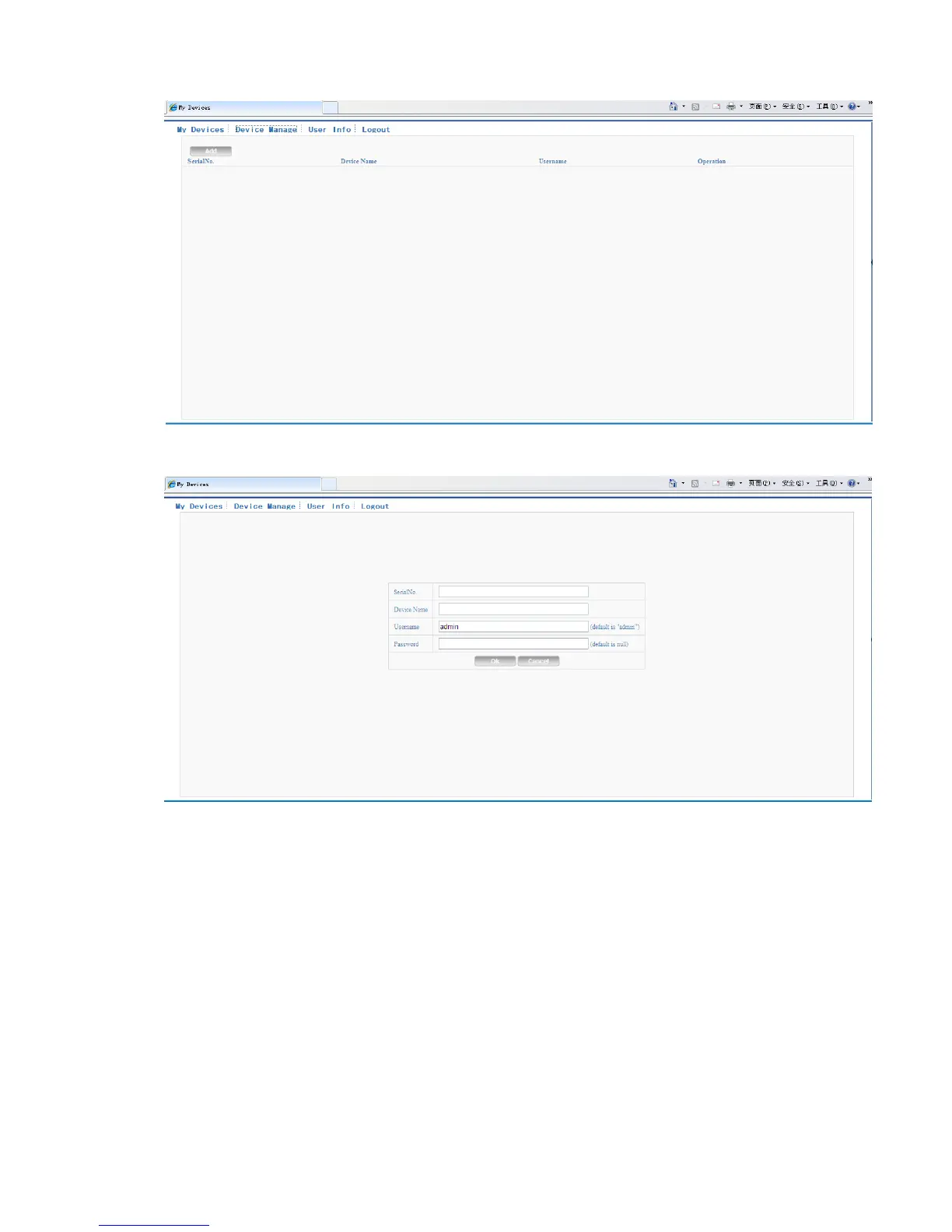
Pic 5.4 device manage interface
Pic 5.5 add interface at device manage
*Remark:in pic 5.5, the user name means the user name of monitored device, password
means the password of related user.
My Device
Mainly show all the added device here, click the on-line device name, can access to control this
device accordingly.



 To Next Page