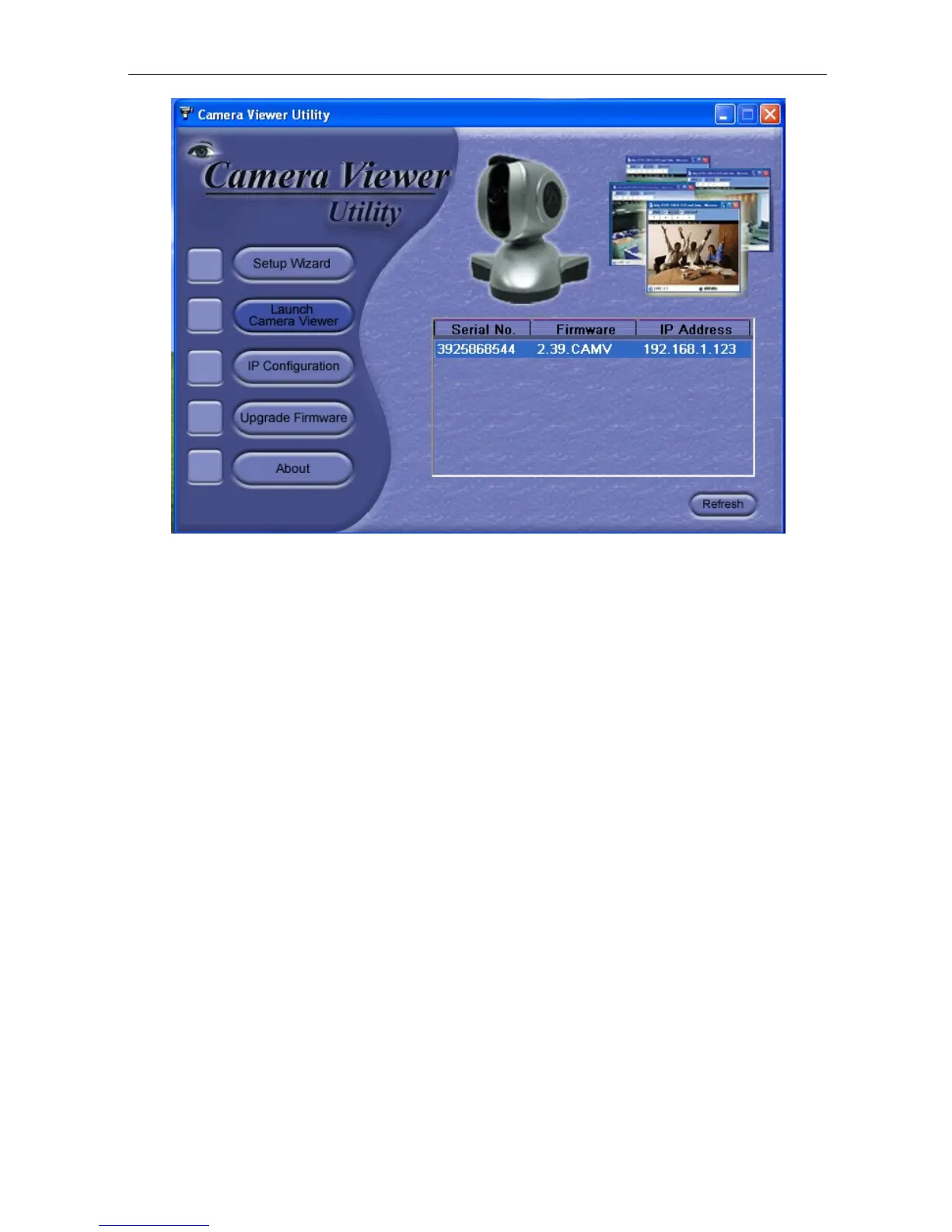
Fig.9 IP Camera Utility Main Menu
2.1 Setup Wizard
Use “Setup Wizard” to take you thru the basic
configurations necessary to start using
the IP Camera.
1. Click to highlight the IP Camera on the right that you want to configure.
2. Click on “Setup Wizard”.
3. IP Camera Setup Wizard will initiate to take you thru the installation.
4.
Enter
the
necessary
camera
configurations. Choose
the
appropriate
frequency (Indoor
60 Hz, Indoor 50
Hz or Outdoor) to prevent flickering
on the video feed. Enter a name for the
camera in the “Location” box to easily identify it.
5. Click “Next >” to configure the Network Connection.
IP Camera Manual 10



 To Next Page