”System Name”
This is to give IP Camera a name identifiable
in a SNMP network.
“System Contact”
This is to give the administrator a name.
“System Location”
This is to set IP Camera
location.
“Manager IP Address”
This sets the
IP address where the administrator can manage IP Camera from.
It is
valid for up to 8 IP addresses.
To manage y o u r IP Camera from any IP
addresses leave it as *.*.*.*.
“Community”
This is to set a Community name
for NMS. The community name has to be the
same as that set in NMS.
“Permission”
This is to set the administrator’s authority. Options are Read, Read/Write, and No
Access.
“Description”
This is for an administrator to make notes.
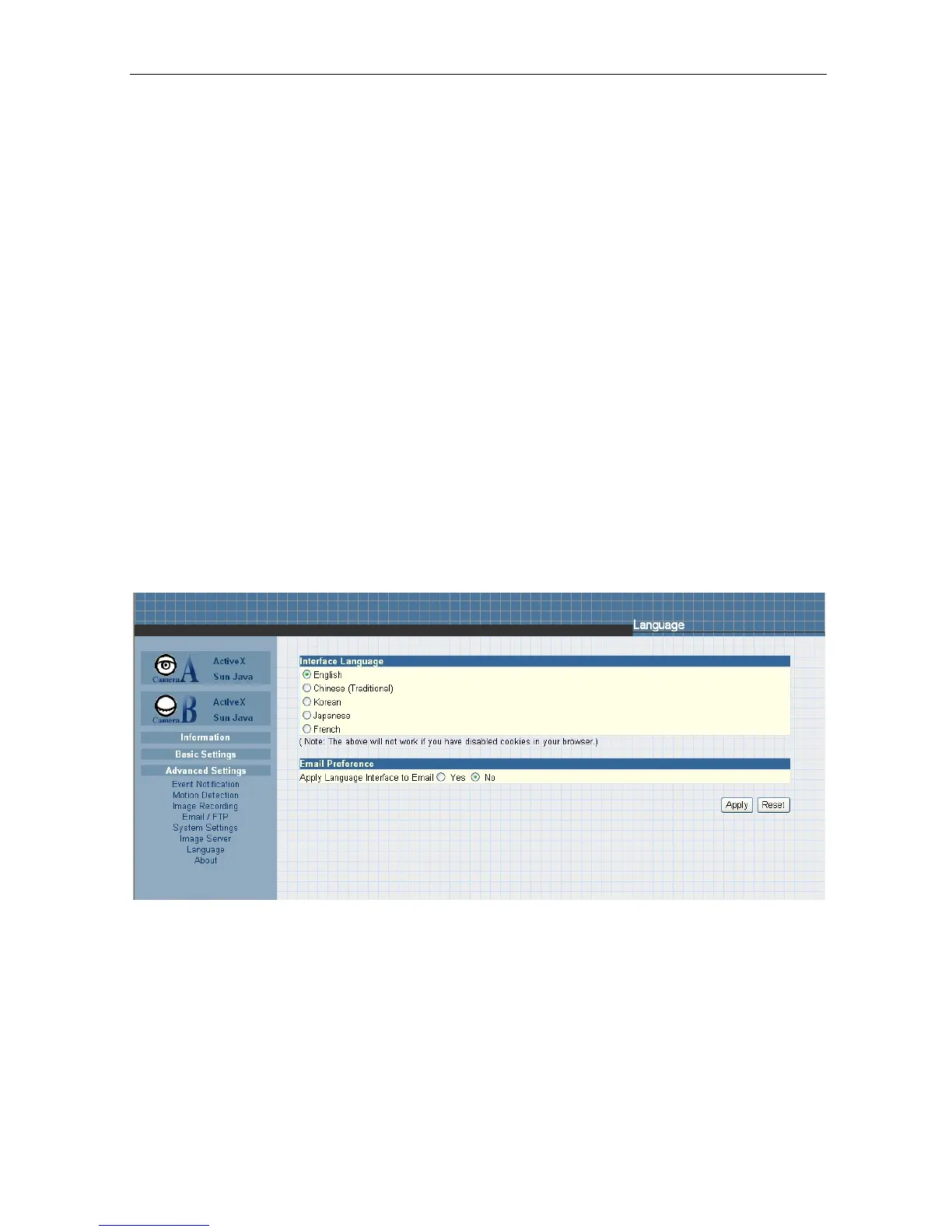
2.4.6 Language
Use this section to
set IP Camera Interface language.
i. Interface Language
At the moment, the administrator can only
choose between; English, Chinese
(Traditional) and Chinese (Simplified).
ii. Email Preference
Click “Yes” to apply language interface to Email notification.
2.4.7 About
The
administrator
can
use
this
section
to
check
firmware
information,
save/restore settings, upgrade firmware and see
manufacturer’s details.
i. About
This
section
gives
crucial
information
about t h e
IP Camera’s
Firmware
Version, Hardware Version and Serial Number.



 To Next Page