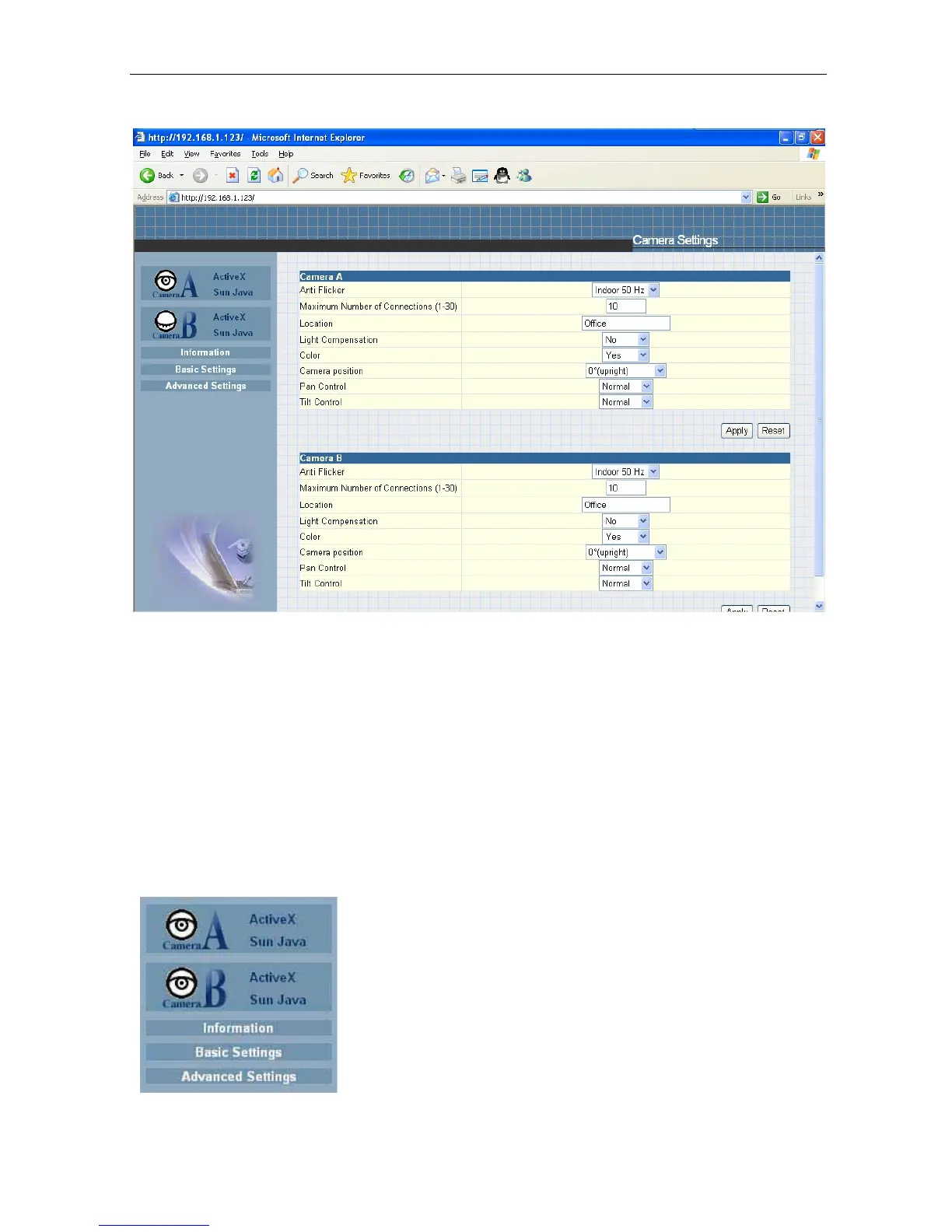
Fig.16 IP Camera Main Menu
When using y o u r IP camera for the first time, you must set the following to
ensure that the camera
works
smoothly;
a. Set the necessary parameters in
the “Configuration” menu. In particular,
the “Anti Flicker” under “Camera Settings” should be set to 50Hz or 60Hz
(change this to 60Hz
or 50Hz / Outdoor if video
continues
to flicker). By default the above Camera Setting
page is
displayed when you login.
2.1 Web-Camera Selection
Click on either “ActiveX”
or “Sun Java” from Camera A or B to view the camera images.
By default your IP Camera will be denoted as
“Camera A” Click “Camera B” to view
camera B (if additional USB camera is connected).
IP Camera Manual 19



 To Next Page