ii. Management Protocol
The administrator can determine the parameter
settings when providing
access via
HTTP (web) to IP Camera. For security
reasons, the administrator can
choose to
use either an open or
advanced port setting to
control this access. The default
values are set to port
number 80 for HTTP. Once the HTTP port number is
set to
another port (other than
80), the full IP Address must be entered in order to access
the Website.
For example:
If a value of 61 is set
as the HTTP port number, then
http://192.168.0.177:61
must be entered as the
web address in order to
access the camera.
Uncheck to
disable this function.
Device Password not set.
Device Password enabled. IP Address hidden.
2.5 LAN Connection
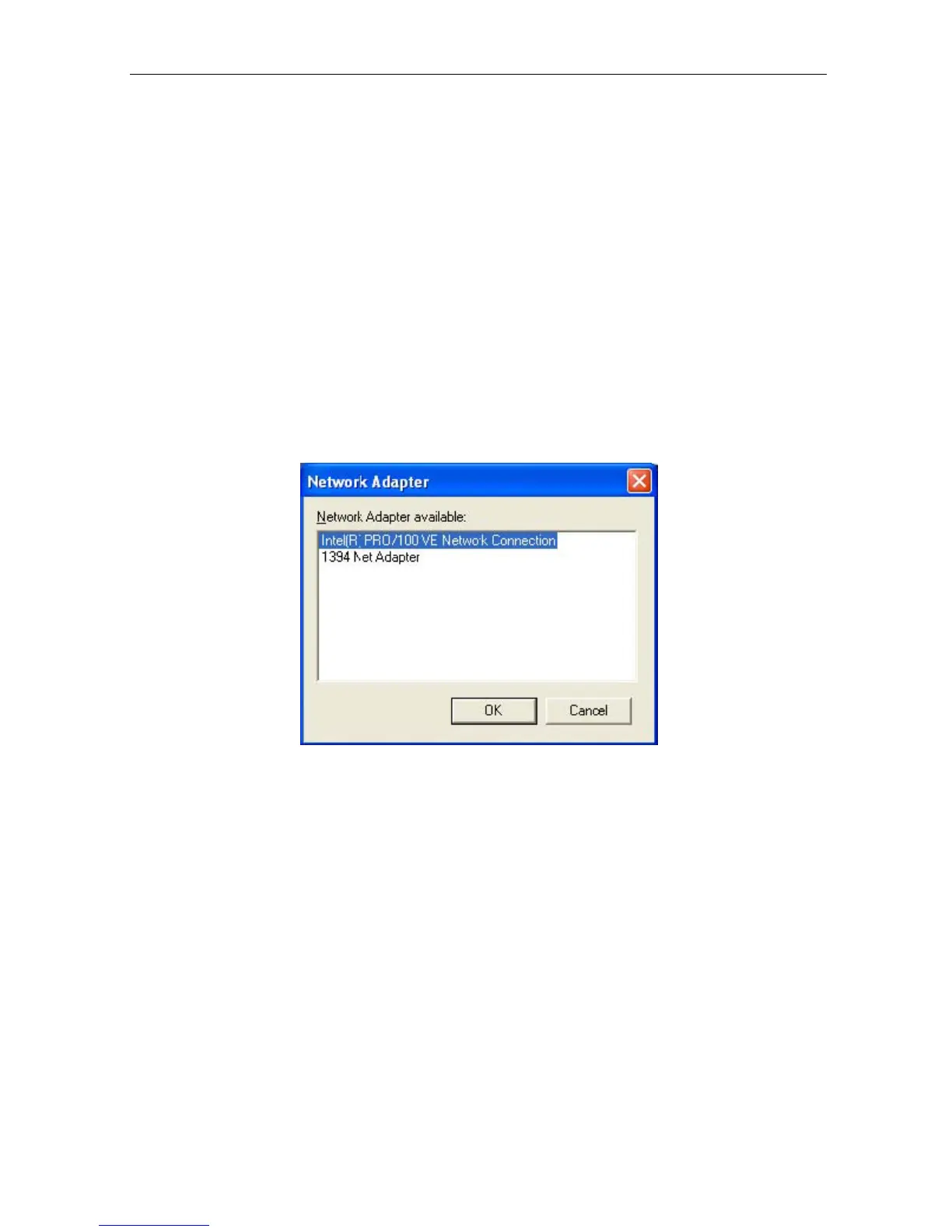
To switch to another Network Adaptor, click on “LAN Connection”.
Fig.13 Netility version examined
2.6 Refresh
IP Camera
Utility
automatically
searches
for
any
IP Camera
connected
to
the
LAN. However, you can do a manual search by click the “Refresh” icon located
at the bottom right of the menu.
Chapter 5: IP Camera Web Manager
Section 1. Introduction
After you have setup the hardware and set an IP address for the IP Camera,
you will then
be able to go to the IP Camera web site
to
monitor and control the
camera(s). All you
have to do is enter the new IP address into
any compatible web browser.
1. Start the Web Brower (Netscape
or Internet Explorer)
IP Camera Manual 17



 To Next Page