“Max FPS”
This allows the administrator to determine the frames per second (“FPS”)
allocated
to each type of account.
By limiting the FPS, the administrator can
manage the
limited bandwidth available.
The administrator can set a figure between 1 to 20
and unlimited FPS.
“Permit Hours”
When the Permission level is set to
either “Operator” or “Viewer”, the Administrator
can configure and determine the time to which either permission
level can access
the camera.
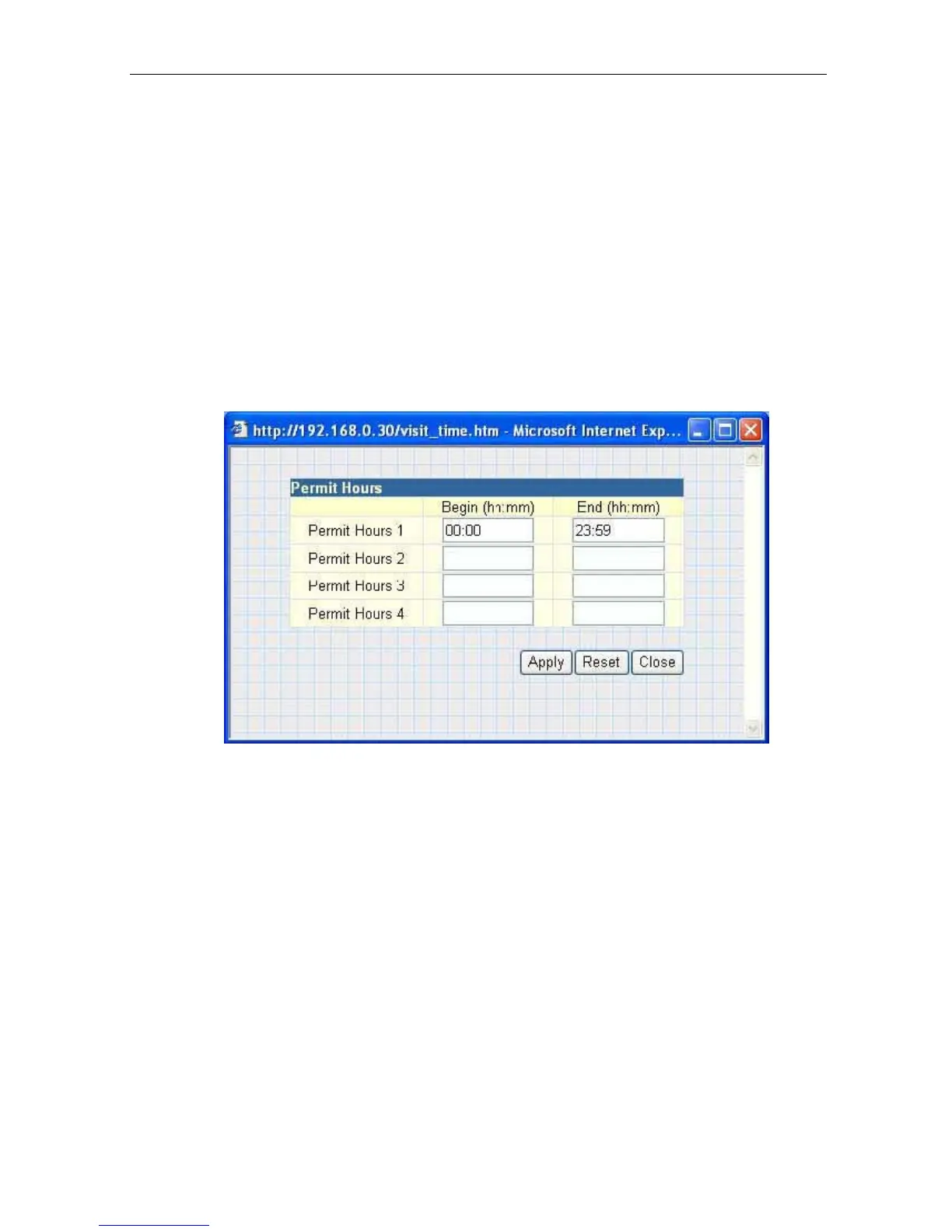
Click “Configure” to bring up the following window. You can set up to 4 different
Permit Hours (in 24hr format). Click “Apply” to save and “Close” to exit.
Fig.28 IP Camera Permit Hours Configuration
2.4 Advanced Settings
Please ensure that each of the following options is set correctly, otherwise your IP
camera may not work properly.
2.4.1 Event Notification
2.4.2 Motion Detection
2.4.3 Image Recording
2.4.4 Email / FTP
2.4.5 System Settings
2.4.6 Language
2.4.7
About
2.4.1 Event Notification
This section determines the type of event that generates an e-mail by the IP Camera.
The IP Camera can send notifications to up to 8 email recipients. Note:
You must have
Administrator privilege to
edit this
section.
IP Camera Manual 27



 To Next Page