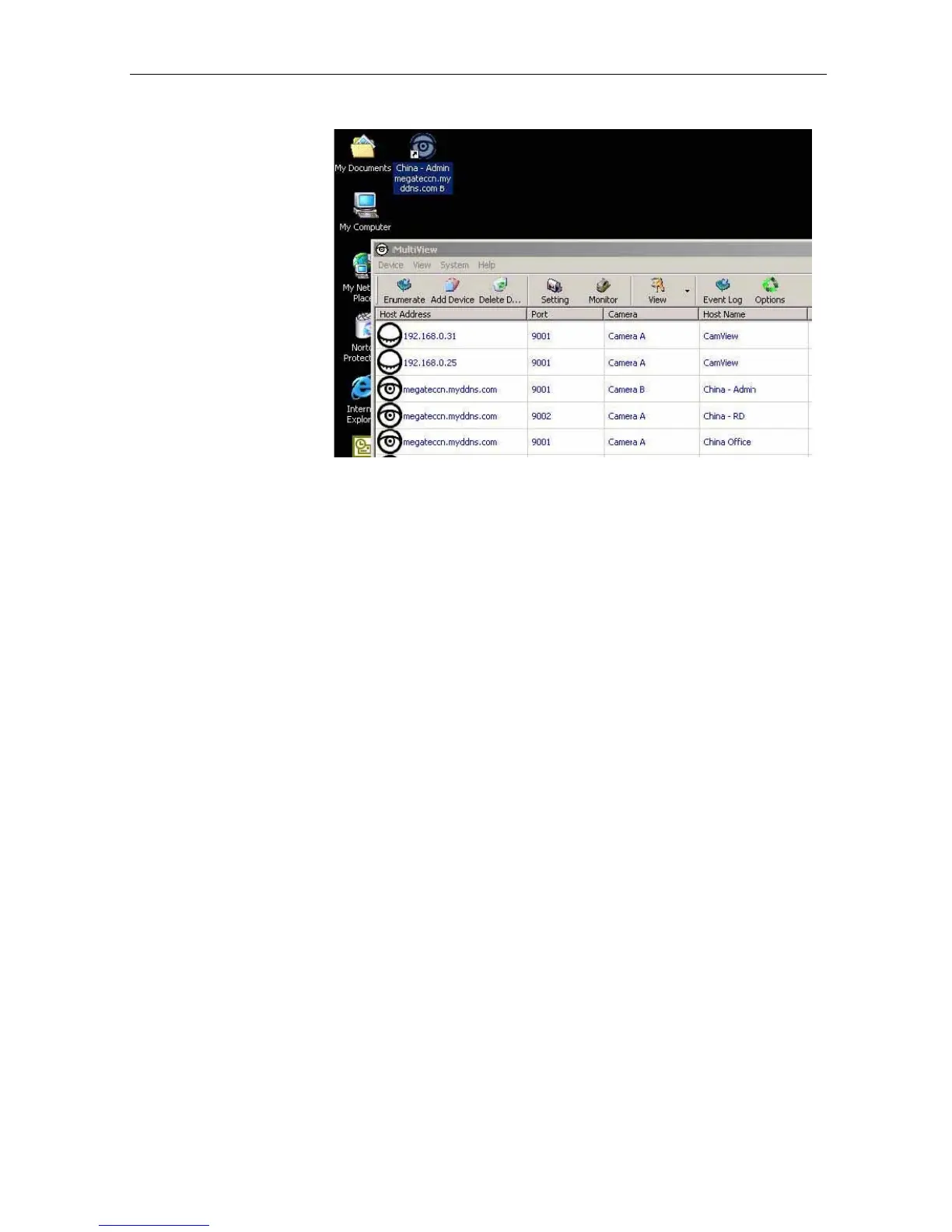
Release the mouse
button anywhere on
the desktop
and a new
desktop icon is created
there.
Step 4:
Double click on the
icon on the
desktop, to
view the images.
Appendix A: Router Configuration
The following section describes the initial configuration of the router and port forwarding
for your router. If your router is not listed here, please refer to the
manufacturer’s website for
assistance
with configuring your router to work with an IP
Camera.
Port Forwarding for your IP Camera
Your camera requires certain ports to
be open on your router to allow other computers
on the Internet to “see” it on your internal network. Normally, your router will have the
less common
ports
disabled
or
blocked
by
the
router’s
built-in
firewall.
In
order
for
the IP Camera applications to work properly and not
be blocked,
the firewall
settings need to be configured. In each
instance there will be a
trigger port
and incoming
port(s), where traffic on the trigger port tells the
f
irewall to
open the incoming ports.
IP Camera Manual 47



 To Next Page