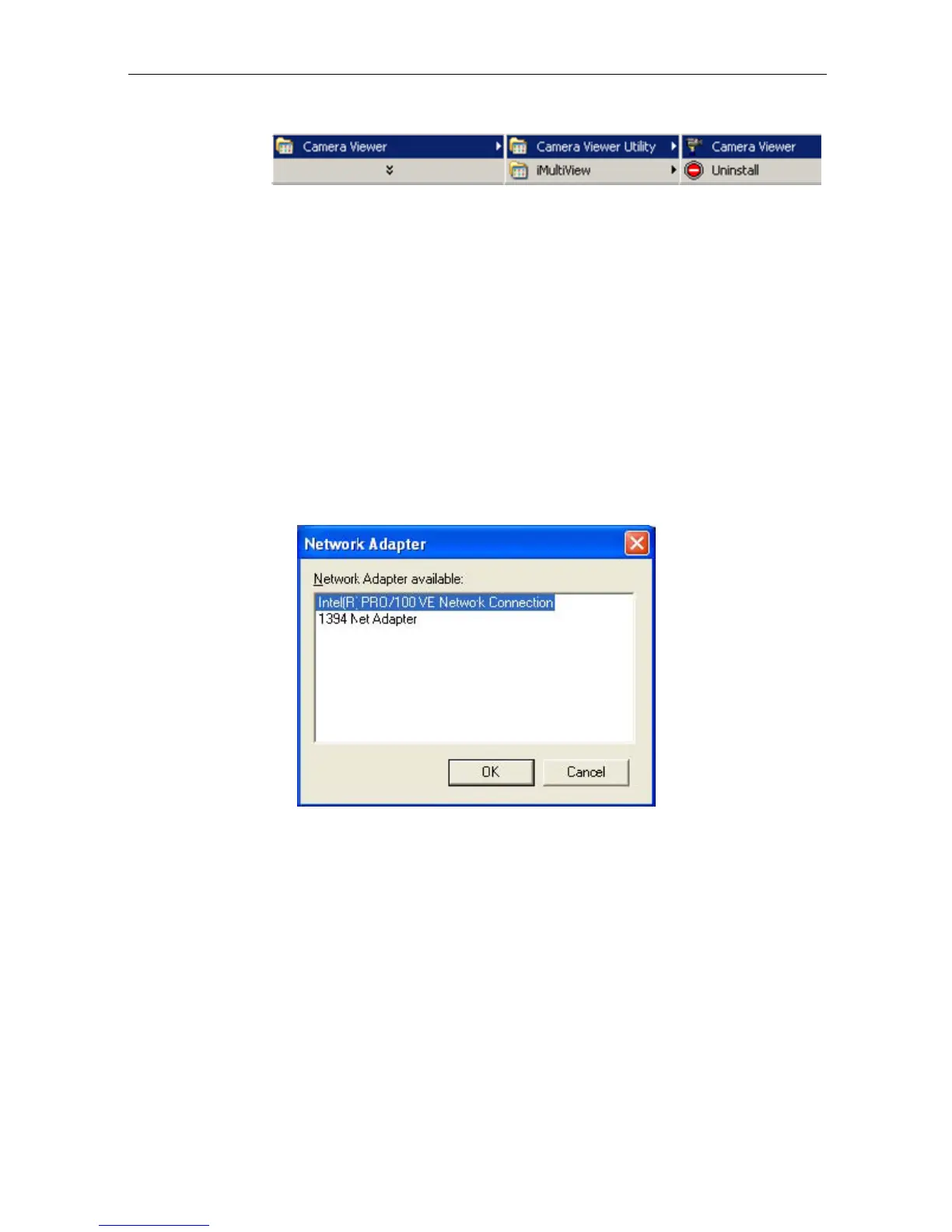
Fig.7 IP Camera Utility Group
iMultiView
- This is a windows based program designed to allow you to control
a
large number of IP Camera websites located either in a LAN or on a WAN.
Read User’s Manual
- Click to
read IP Camera's User
Manual.
You will need
Adobe Acrobat Reader v5.0 or higher.
Adobe Acrobat Reader v5.0
- This will install Acrobat Reader v5.0 on your local
hard drive.
Sun Jave / ActiveX
- Install Sun Java for viewing the video image by Java, or
install
the OCX for viewing by ActiveX.
Section 2. Using IP Camera Utility
When you start-up the IP Camera
Utility, it will search and list
all available
Network Cards on your system (if more than one is installed). Select the Network adaptor
that
you are currently using and
click “OK”.
Fig.8 IP Camera Utility Network Adaptor Selection on Start-up
The IP Camera Utility main menu is
shown below. The selection menu is located on the
left. The Serial Number,
current Firmware and IP Address of every IP Camera connected
to the LAN will be displayed on the table to the right.
IP Camera Manual 9



 To Next Page