2. Enter your camera’s IP Address that was set earlier using “Setup Wizard” (e.g.
211.21.67.51) and press ENTER
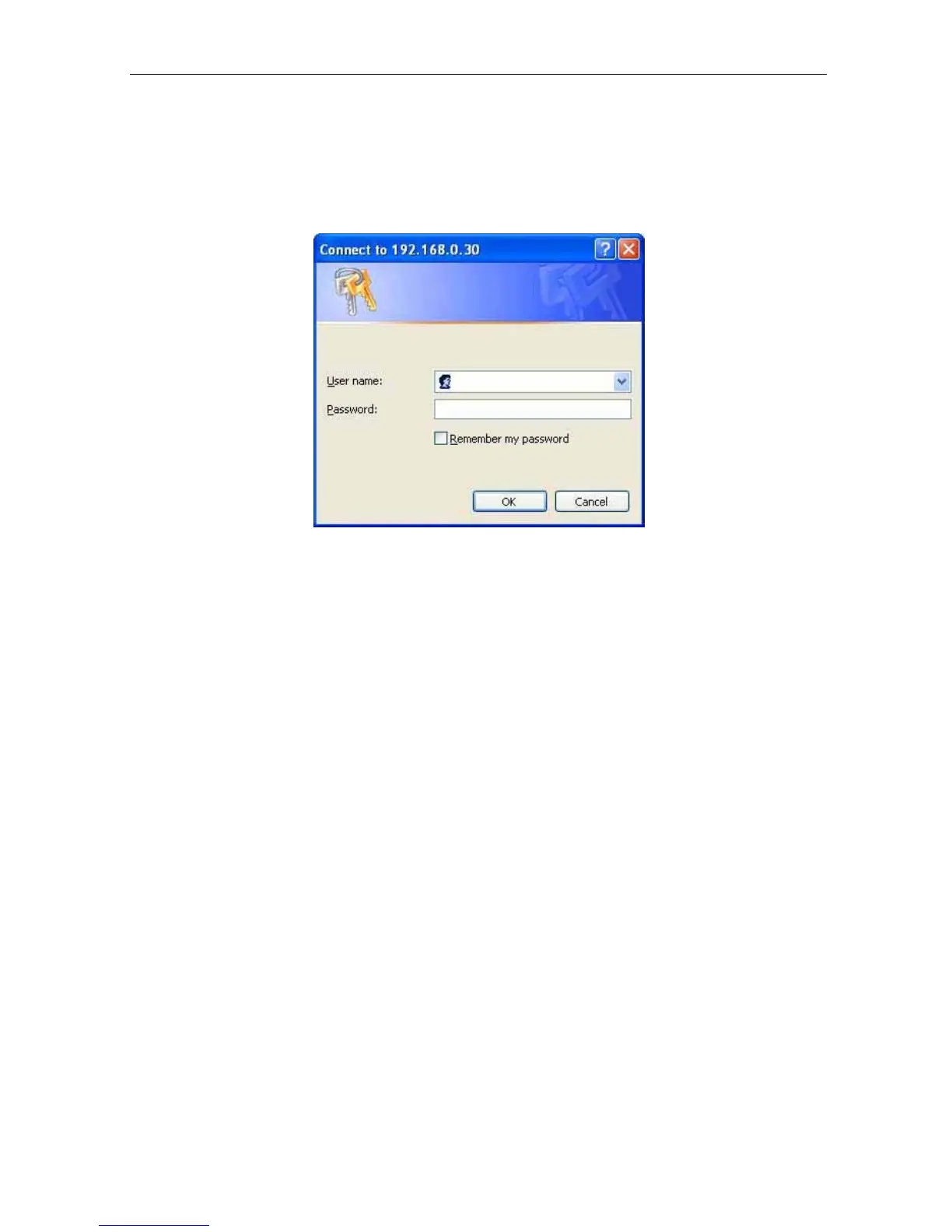
3. A login screen will appear.
Enter the Administrator User Name and Password if you
have set these in the “Setup Wizard”.
Otherwise, just press ENTER.
Fig.15 IP Camera Login screen
Section 2. IP Camera Web Manager Interface
The IP Camera webpage main
menu is divided into two sections. The selection menu on
the left and display menu on the right. The selection menu consists of the following
options:
2.1 Web-Camera Selection
2.2 Information
2.3 Basic Settings
2.4 Advanced Settings
IP Camera Manual 18



 To Next Page