Warning:
Please make sure the input Voltage and Frequency of the DC power adapter
is correct for your area before plugging into the power outlet!
Chapter 4: Using IP Camera Utility to Setup IP & Update
Firmware
Section 1. Installing IP Camera Utility
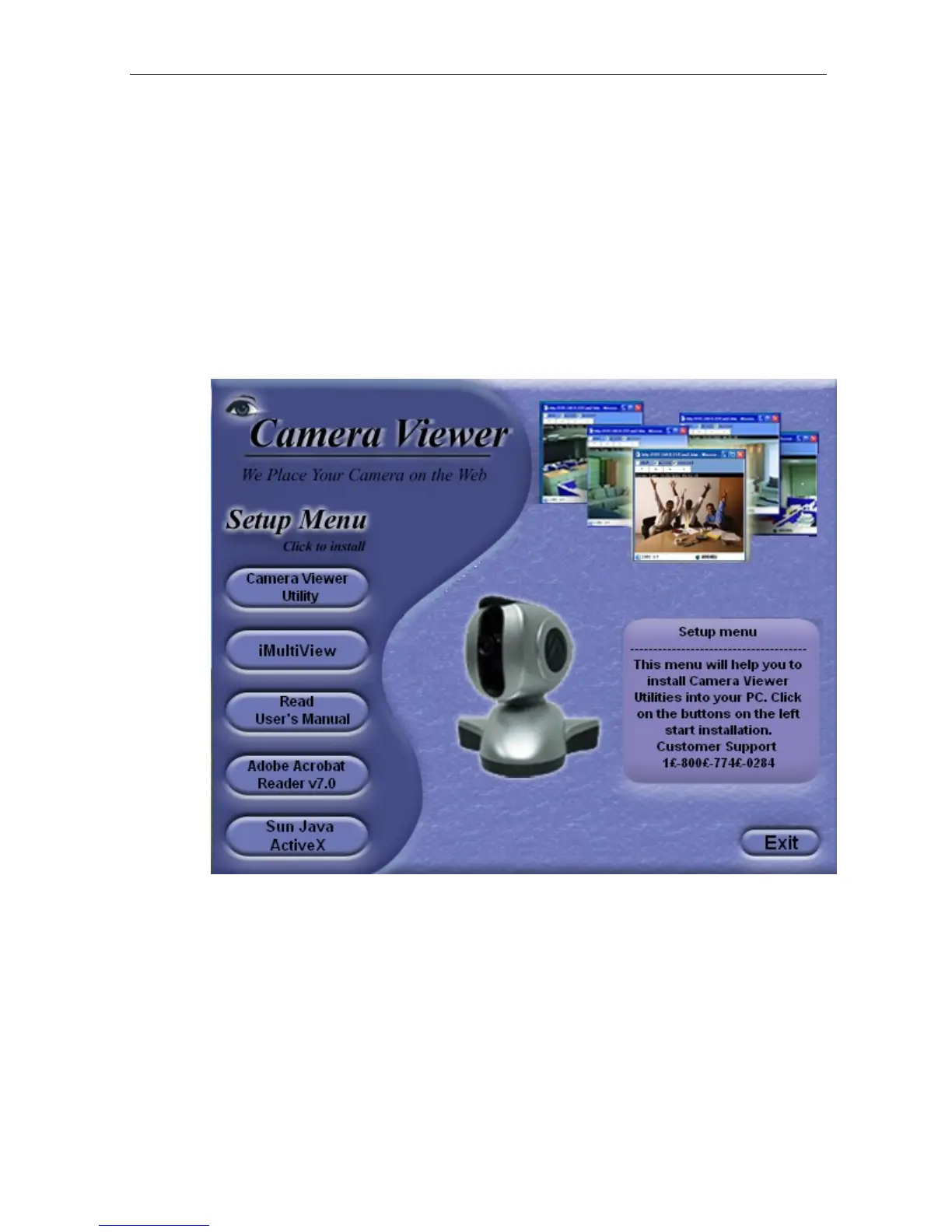
1. Insert the enclosed
Camera Viewer CD into the CD-ROM drive. IP Camera setup will
auto run. The following menu will be shown.
Click
on the buttons on the left to
installation the programs you want.
IP Camera Utility
- This is a program that helps you perform a quick installation. It will
detect the current configuration and take you through the necessary network setup.
a. Click the
button to commence installation.
b. After installation is completed, IP Camera Utility group
will appear
in
Windows ’Start’
‘Program Group’.
Click this to start the program.
IP Camera Manual 8



 To Next Page