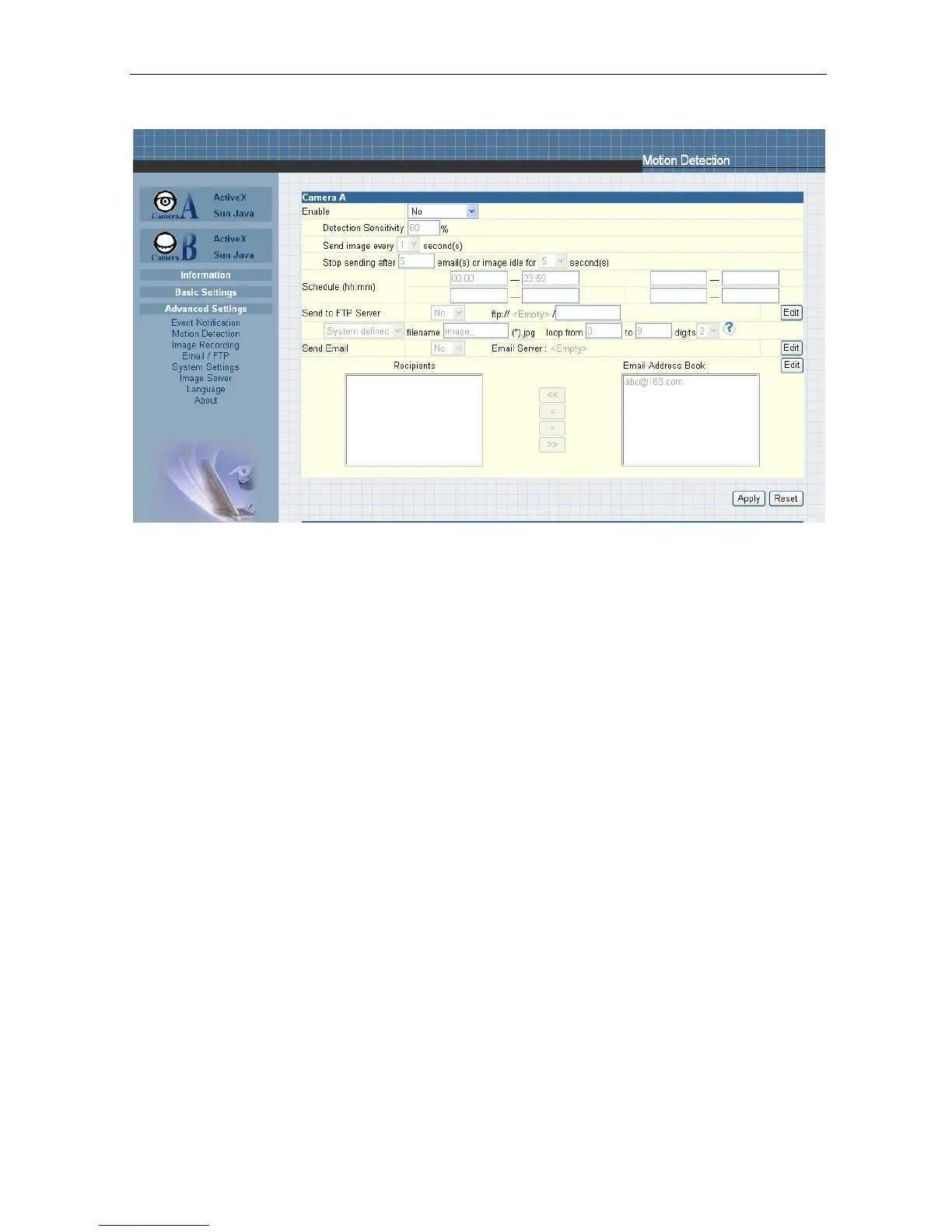
Fig.37 IP Camera Image Recording Page
i. Camera A (or Camera B)
“Begin – End (hh:mm)”
The administrator can determine up to 2 time slots when Image Recording is active.
The time is in 24hrs format.
“Send image every ##
minute(s)”
The administrator can determine the exact interval at which the IP Camera will
capture and send an image.
Choose among 1, 3, 5, 7 and 10 minutes.
“Send to FTP Server” &
“Send Email”
This is similar to the function available in Motion Detection Page. Please refer to
section 2.4.2 for details.
2.4.4 E-mail / FTP
This
section
sets
up
the
necessary
Email
and
FTP
server
information.
The administrator will have to enter a valid Account
Name and
Password to the Email server and/or FTP
server.
This information is necessary to allow
email notification and ftp file sending features in Advanced Settings.
IP Camera Manual 32



 To Next Page